Your computer.
Your apps. Your AI.
Draft replies, work with documents, and update the apps you already use. Plexon is an AI assistant that runs on your computer.
Describe a routine once. Let it run every morning or when a new message arrives.
Windows, macOS and Linux · Plans from $49 a month
Your chat history stays on your computer. Our server keeps no copy.
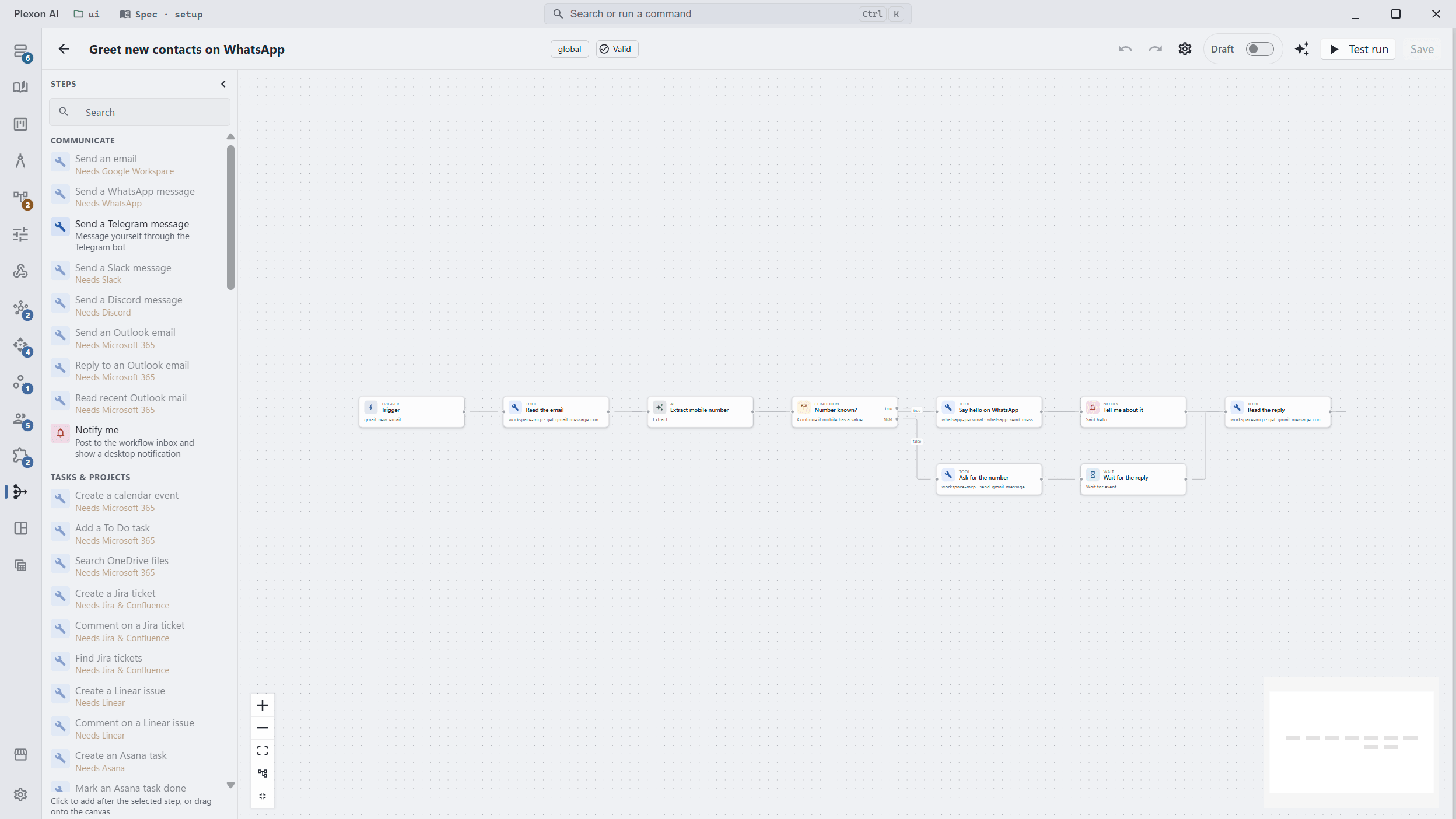
What happens in this clip
- A bundled workflow opens in the editor.
- The trigger at the top polls the inbox.
- A tool step reads the email, spending no AI tokens.
- An AI step pulls out named fields, and a branch decides what happens next.
- A message step sends the reply, and a notification step tells you it went.
Let the routine run itself.
A workflow is a routine Plexon follows. Describe the steps in chat, then choose when it starts: every morning at seven, or when an email or WhatsApp message arrives. Keep Plexon running on your computer and it records each run while you're away.
Every weekday at nine, pull yesterday's orders from WooCommerce and message me the total on Telegram.
Plexon drafts four steps: start on schedule, read the orders, add them up, and send the total. Review the routine before you switch it on.
When a new lead lands in HubSpot, draft a reply in my voice and leave it for me to send.
The routine saves a draft in your inbox. You review the wording and send it yourself.
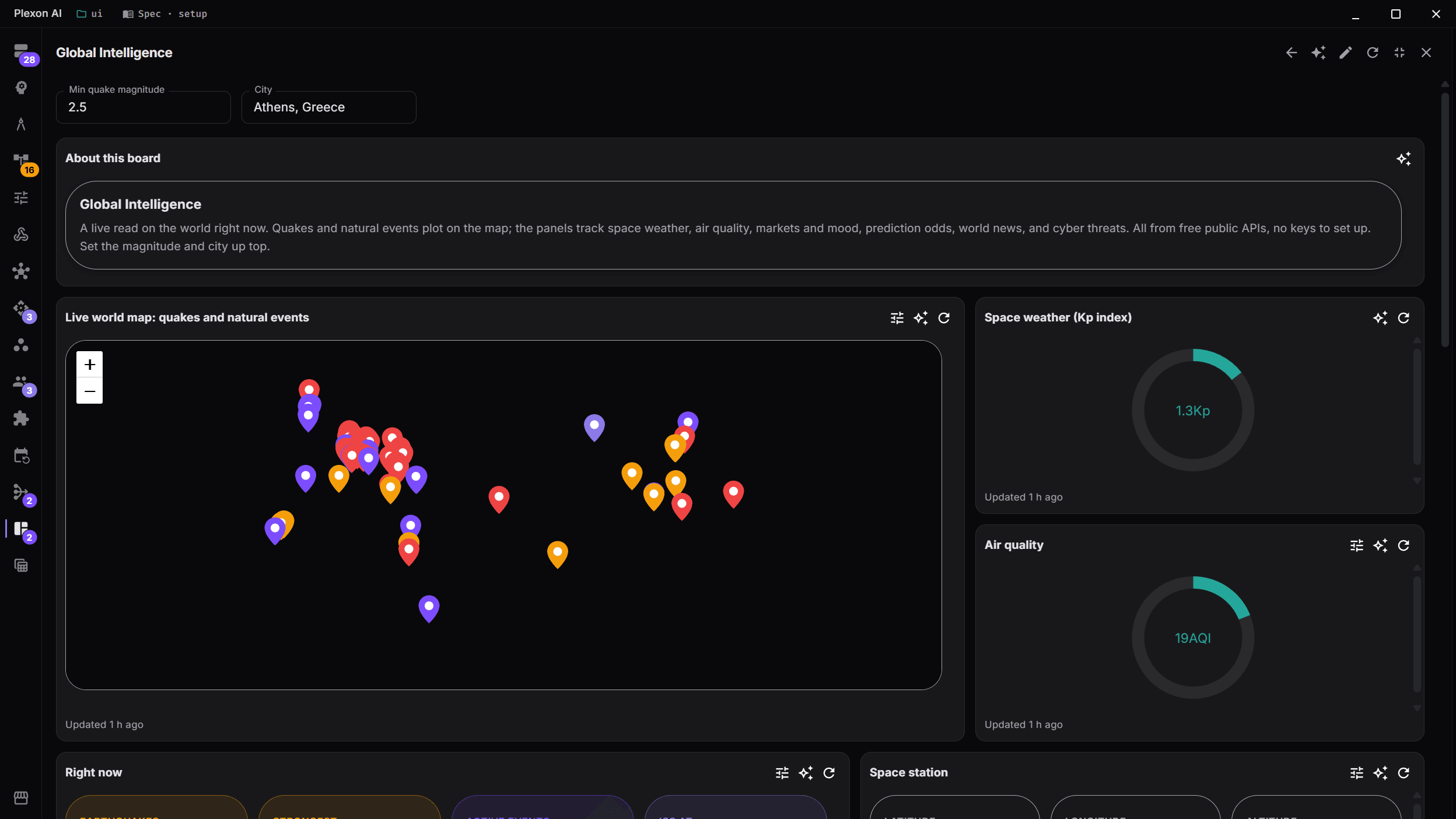
Choose a role for the work ahead.
A persona is a saved role with its own instructions, connected apps and routines.12 are built in, from Writer to Financial Analyst. Point to a role or focus it with your keyboard to preview its apps below. Open the role to see what it can do.
Work across 82 apps you already use.
Draft an email in Gmail, update a Notion page, or send a Slack message. Connectors link Plexon to these apps using your own sign-in and permissions. WhatsApp, Stripe and 77 more are supported too.
Highlighted apps belong to the Marketer role. Preview another role above to see its apps.
All 82 connectorsOur server keeps nothing.
Plexon saves your chat history, settings and sign-ins on your computer. When you ask an online AI service for help, it receives your question and the content needed to answer. Our server passes the request along and keeps no copy of it or the reply.
How privacy worksYour accounts stay under your control.
Connected apps use your own sign-in and permissions. You can review and remove a connection in Plexon.
See what this browser can read about your computer
These readings describe this web page, not activity inside the Plexon app.
Plexon runs on Windows, macOS and Linux.
Read by your browser, shown to you, sent nowhere. Nothing on this page calls our relay.
Make something you can share.
Describe an image, a song or a video in chat and save the finished file. Images are included on every plan, and so is Plexon Voice, which hears you and reads answers aloud. Premium adds video and music. Listen to a song and watch a clip made in Plexon below.
The prompt
Write me a song about a lighthouse keeper who never sees a ship. Sad folk.
The Keeper of the Empty Light
0:00 / 3:57
The prompt
Generate a 5 second video: a paper lantern rising over a quiet harbour at dusk, warm light on the water, boats at anchor [Pedestal up].
Keep the version you like.
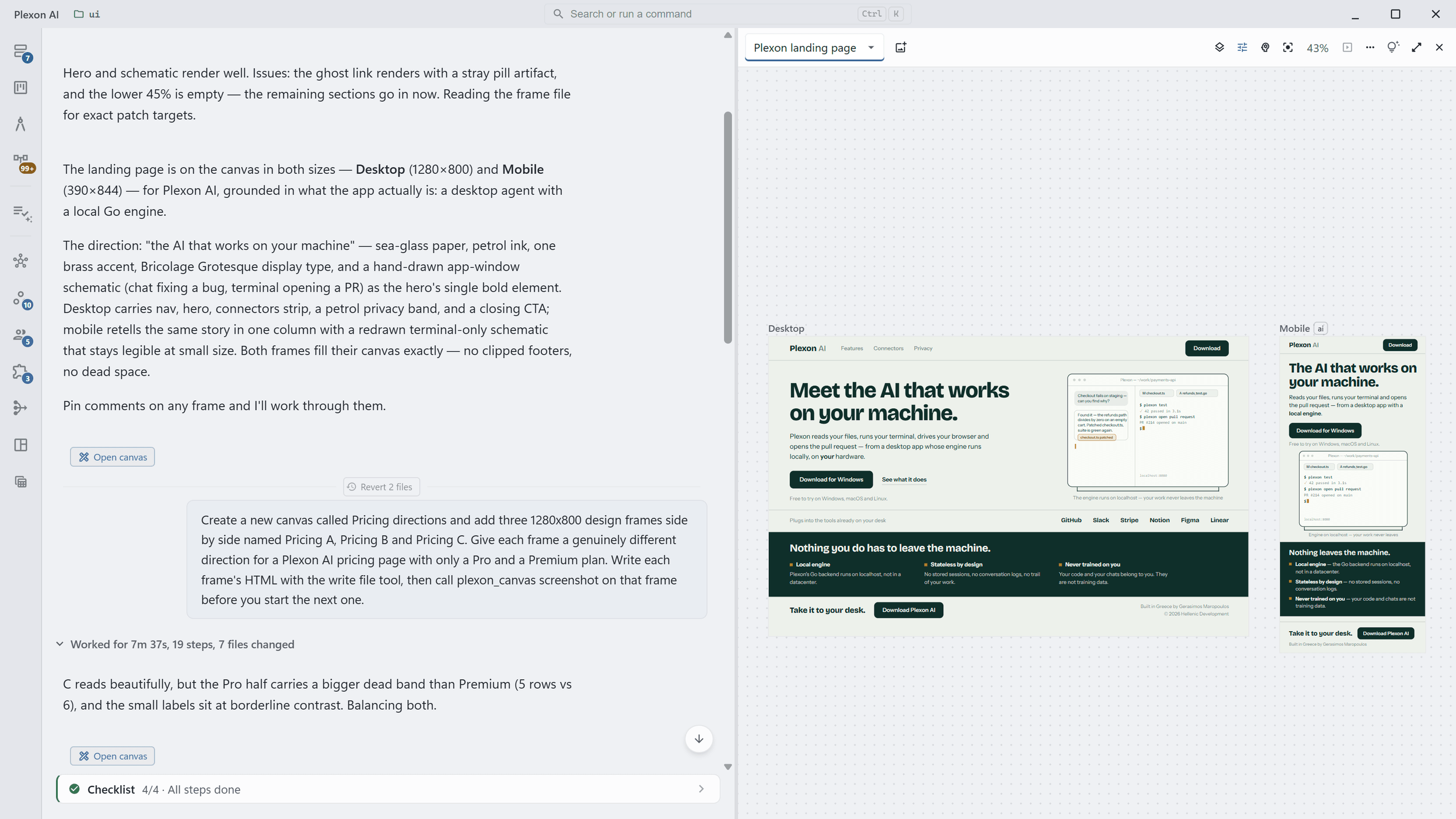
Ask for a report or a page for your website. It lands on a board beside your chat, rendered live, with every version kept on your computer. Compare changes, put an earlier one back, or ask for three ideas side by side and choose one to develop.
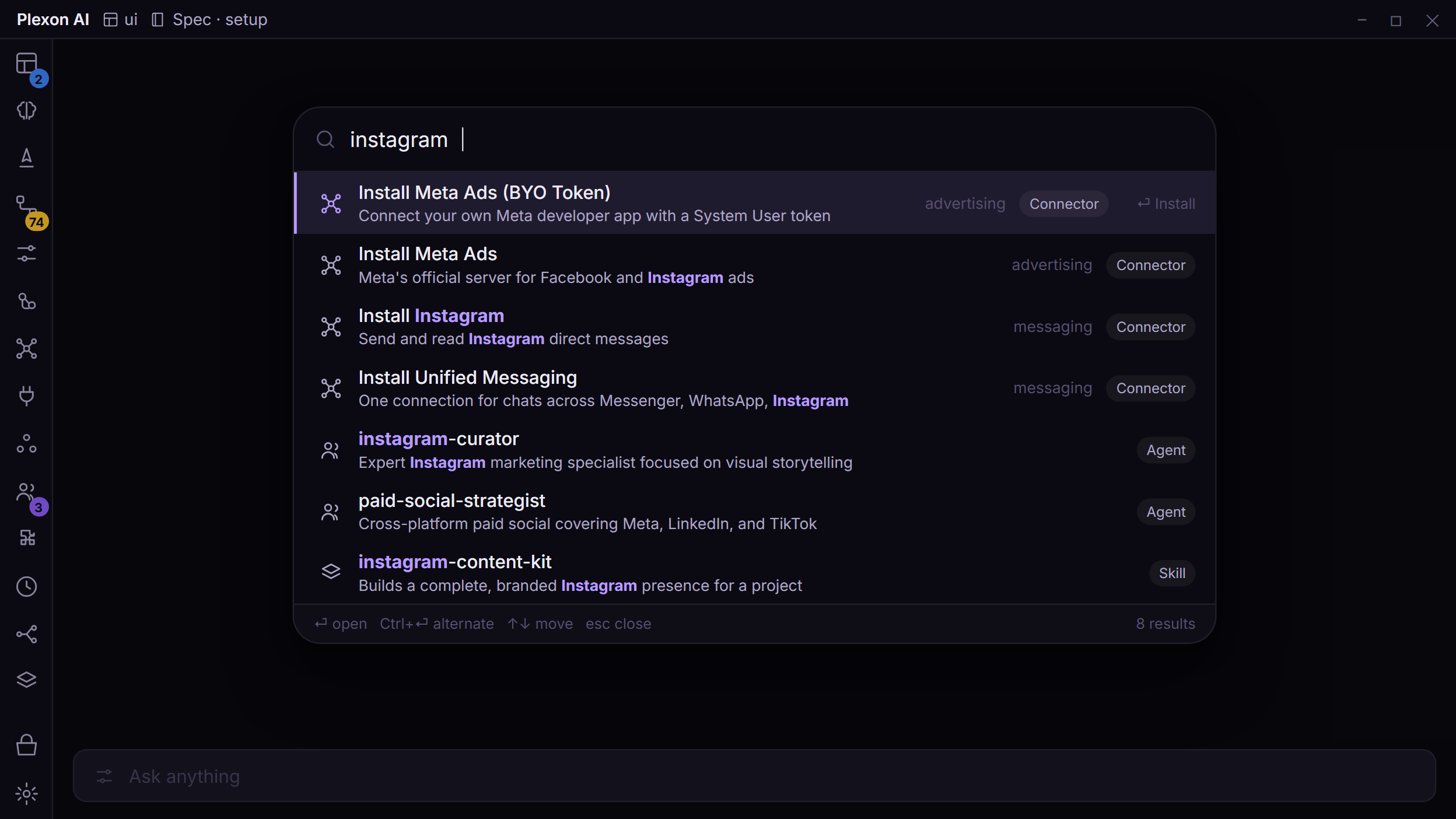
Find it without searching menus.
Press Ctrl+K to open the command palette, a search box for Plexon's tools, chats and settings. Type an app's name to connect it, find a past conversation, or describe the setting you need in your own words.
Give your team a shared starting point.
Set up your team's roles, connected apps and skills, the instructions Plexon follows for a particular job. Share them in a private company marketplace where colleagues can install the setup. Your team can also share project boards and work together in a live session.
- Choose the instructions and apps your team needs.
- Publish the setup for your colleagues to install.
- Revoke access when someone leaves; it takes effect within fifteen minutes.
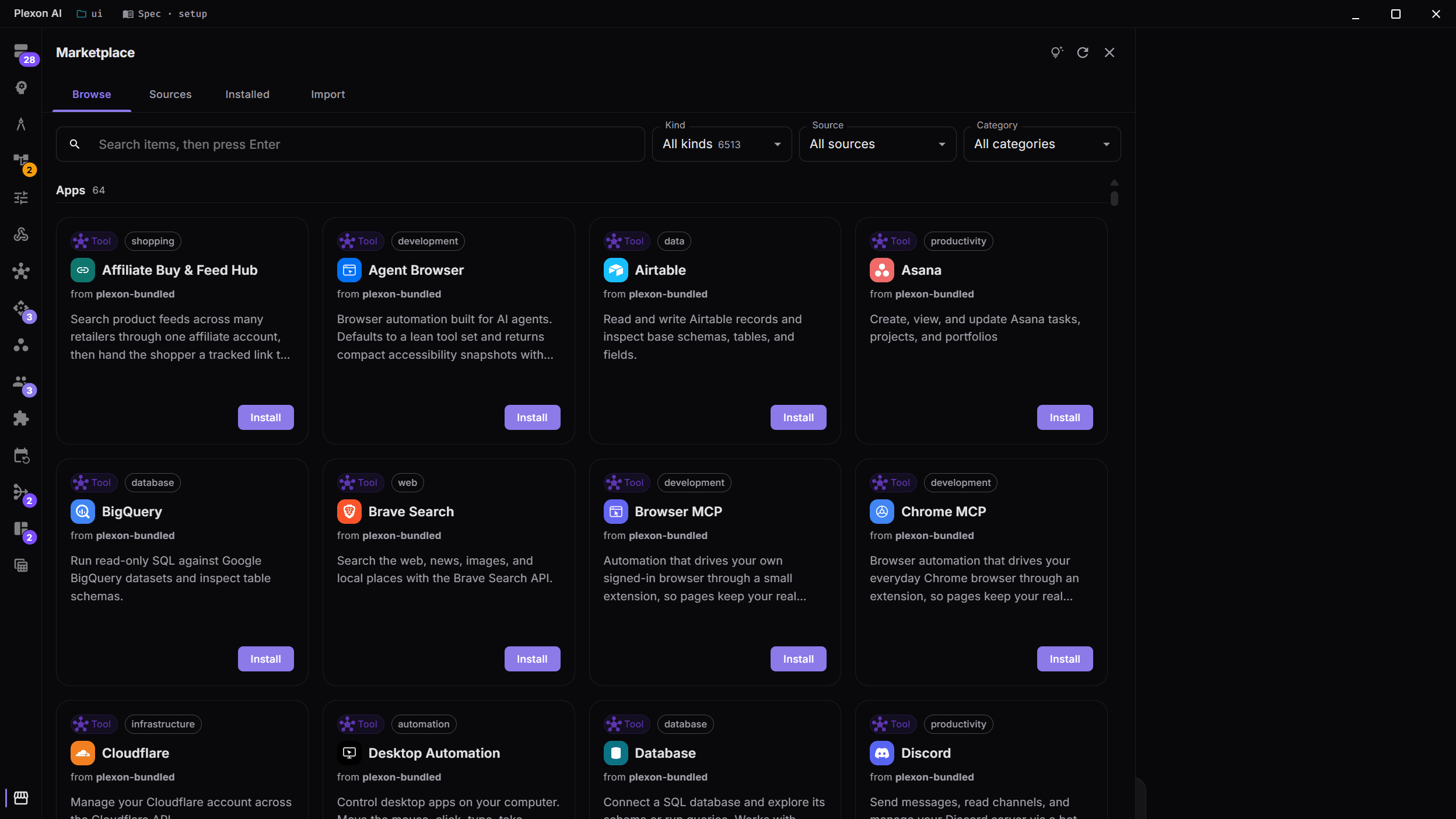
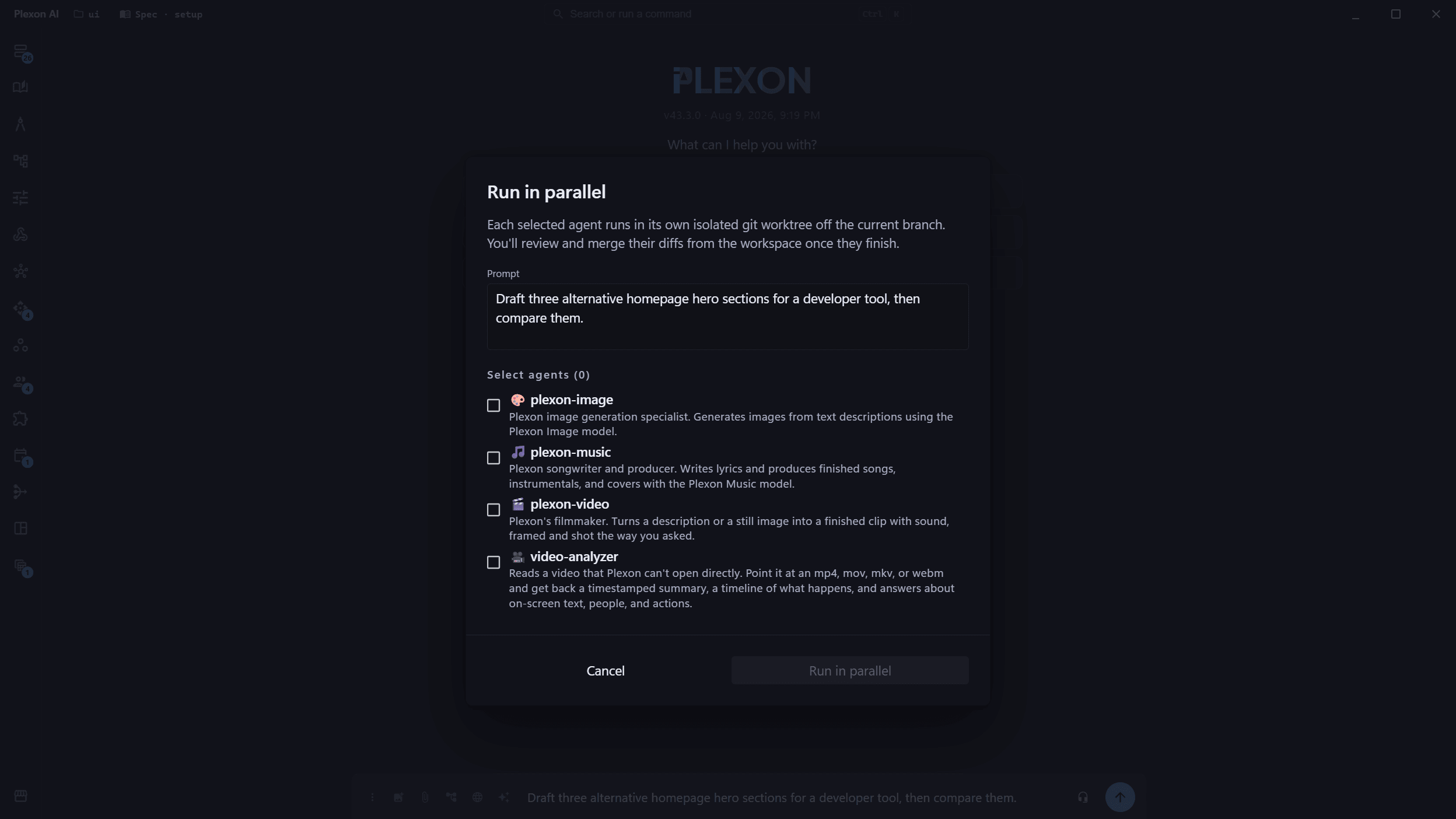
For developers.
Parallel agents in isolated worktrees, a diff review queue, code intelligence from real language servers, spec-driven mode, and a one-pass import from Claude Code.
| Capability | Plexon | ChatGPT | Claude |
|---|---|---|---|
| Where your conversations live | PlexonYour machine. Our server keeps nothing. | ChatGPTVendor cloud | ClaudeVendor cloud |
| Connectors that use your own accounts | Plexon82 branded, signed in locally | ChatGPTPlatform-brokered | ClaudeA directory, plus anything you add |
| Work that runs while you are away | PlexonOn a clock, on an event, and never sent twice | ChatGPTScheduled tasks | ClaudePartly |
Every claim on the full comparison pages carries a source and a date, and each page opens with where the other product is better.
See all comparisonsChoose the plan that fits your work.
Both plans include Plexon's AI. You don't need a separate AI subscription to get started.
Pro
$49a month
or $132 every 3 months (save 10%)
- AI chat and image creation included
- All 12 roles
- 192 specialists and 150+ skills for different jobs
- Works inside all 82 apps
- Fast decisions with Jev included
Premium
$129a month
or $348 every 3 months (save 10%)
- Everything in Pro, plus
- Video, music and Plexon Voice High fidelity
- Run AI on your own computer
- Work with another person in Live Share
- More fast decisions, on priority keys
Before you install.
Does it work offline?
You can read saved chats and use the files, memory and dashboards on your computer without an internet connection. New answers usually need an online AI service. Premium also lets you run AI on your own computer for local answers. Tasks involving online apps still need a connection.
What computers does it run on?
Plexon runs on Windows, macOS and Linux, on Intel and ARM computers, including Apple Silicon Macs. It updates itself. The download page shows the version and requirements for each system.
Does it work with the apps I already use?
Plexon connects to 82 apps, including Gmail, Google Drive, Notion, Slack, WhatsApp, Shopify and Stripe. A connector links an app to Plexon using your account. Some apps ask you to sign in; others need a key or setup details from your account. Ask Plexon to find an email, update a spreadsheet or draft a message.
Can I use more than one role?
Yes. Keep as many personas, or saved roles, as you like. Switching roles changes the instructions, connected apps and routines Plexon uses. You can also combine several into one role or describe a new role for Plexon to draft.
Does Plexon keep a copy of my chats?
Your chat history is saved on your computer. When you use an online AI service, it receives your question and the content needed to answer. Our server passes that request along and keeps no copy of the question or reply. The AI service you choose has its own data policies.
Can I move my whole Plexon to a new computer?
Yes. In Settings, open Advanced and choose "Move to another machine" to save your setup and chats in an encrypted file. Keep its password and recovery code safe. On the new computer, choose "Bring my setup from another machine" at sign-in. Importing replaces the existing setup after you confirm, and keeps a restore point for a week. You will need to sign in and pair WhatsApp again. It works across Windows, macOS and Linux.
Put it on your computer.
Windows, macOS and Linux · x64 and ARM · Pro $49 a month · Premium $129 a month