Plexon Nous · Hosted
Plexon Nous Cloud
Your always-on Plexon, run by Plexon. For people who want the routine to keep going with the laptop closed and do not want to keep a machine of their own on.
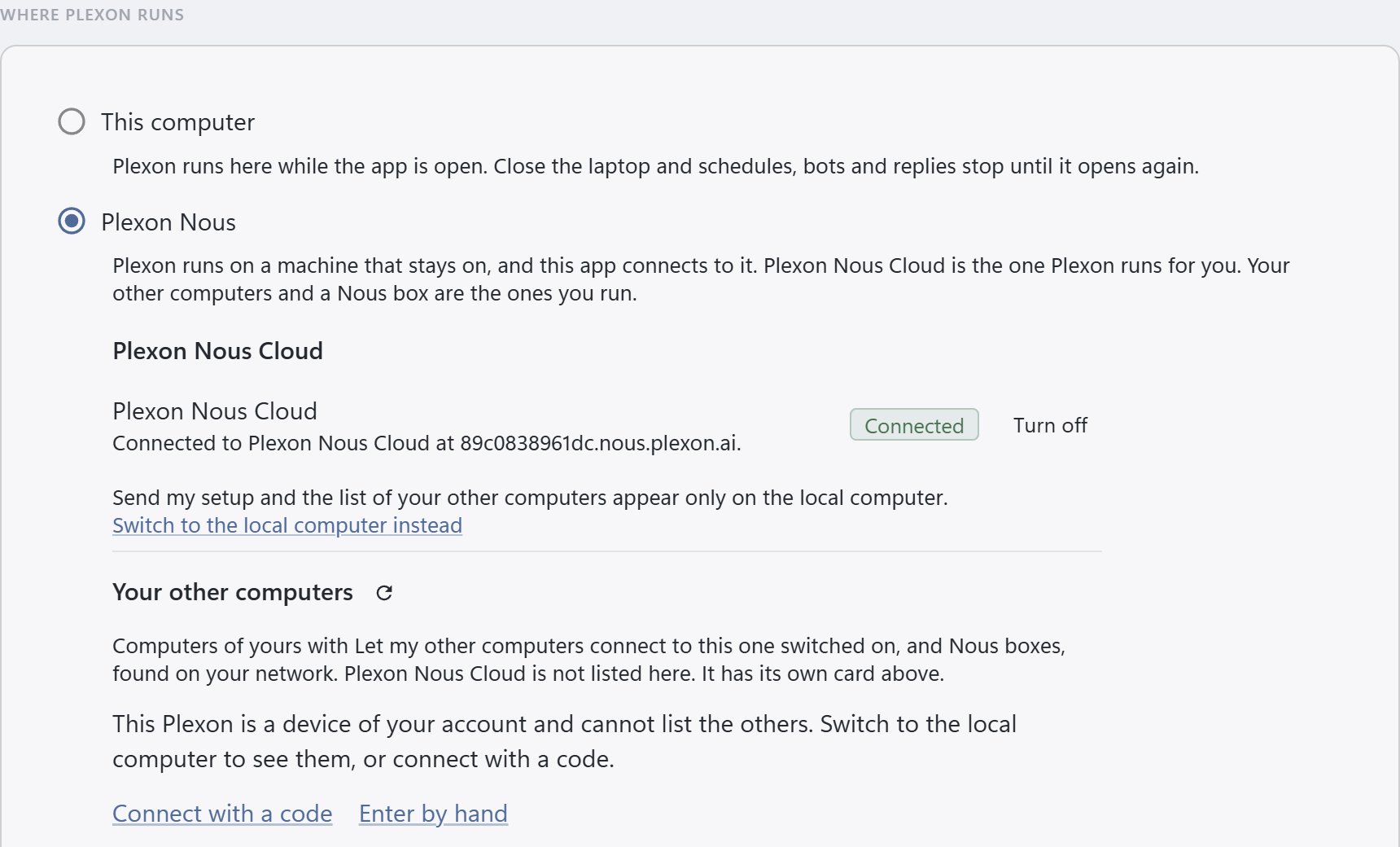
Turned on from Settings, This computer, or the gear menu, in the app.
The same Plexon Nous
The program that runs on the Nous box and on a machine of your own, started for you and kept on. Nothing to install, nothing to keep awake. Updates finish the response in progress and the app reconnects on its own.
One button in the app
Settings, This computer, Turn on Plexon Nous Cloud, or the Plexon Nous Cloud row under the gear menu's This computer. The app starts it, pairs with it, copies your setup over and connects to it in one go. The panel lists each step as it happens, with how long the current one has taken. The first start takes around ten minutes: it is up in about one, and the rest is its public address coming online. Stop, in the same place, removes what it just created.
Your setup comes with it
Turn it on from the app and your setup comes with it: your settings, skills, plugins, personas, connectors with their sign-ins, and memory. Chats and project folders stay on your computer, and Send a folder copies a project over. When you change something on the laptop, Send my setup, on its row in the app, copies your setup over again and replaces what is there. Its chats stay.
Your workflows, built there
While the app is connected to it, every workflow, board and bot you set up lives there and keeps going with the laptop closed. Workflows and boards you built on the laptop come over with your setup, but they still belong to the laptop and do not run there. Handing one over is planned.
Your folders, there
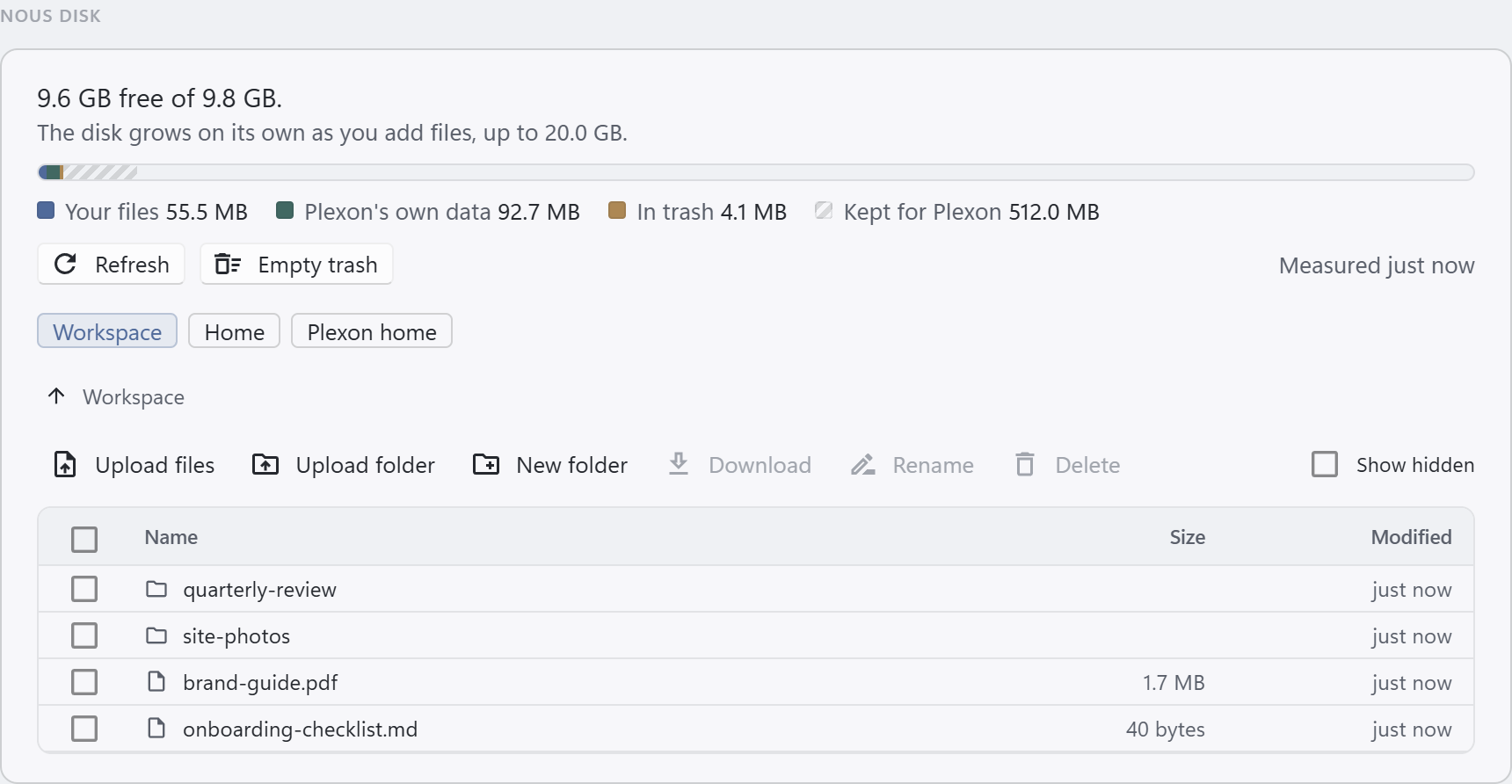
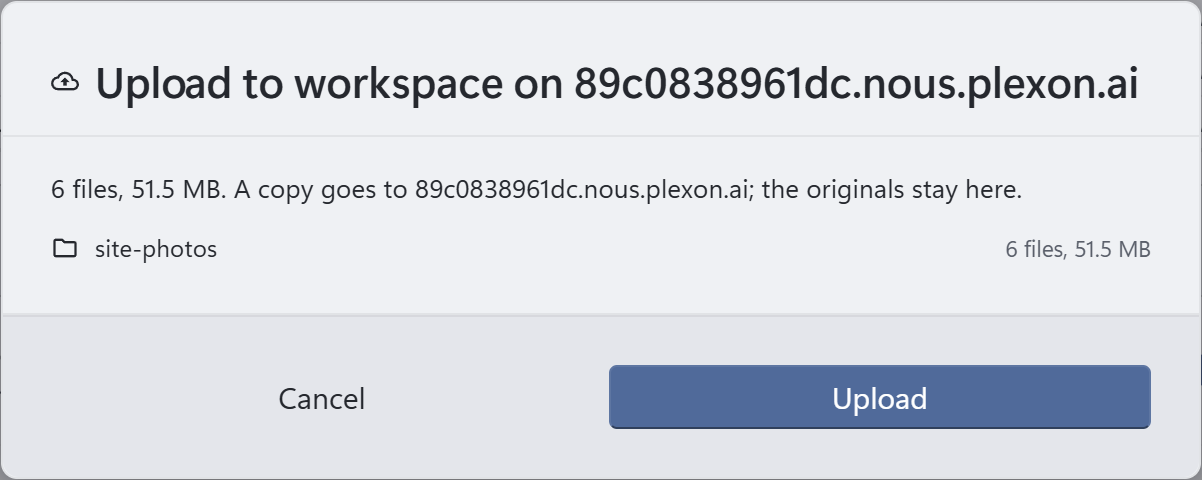
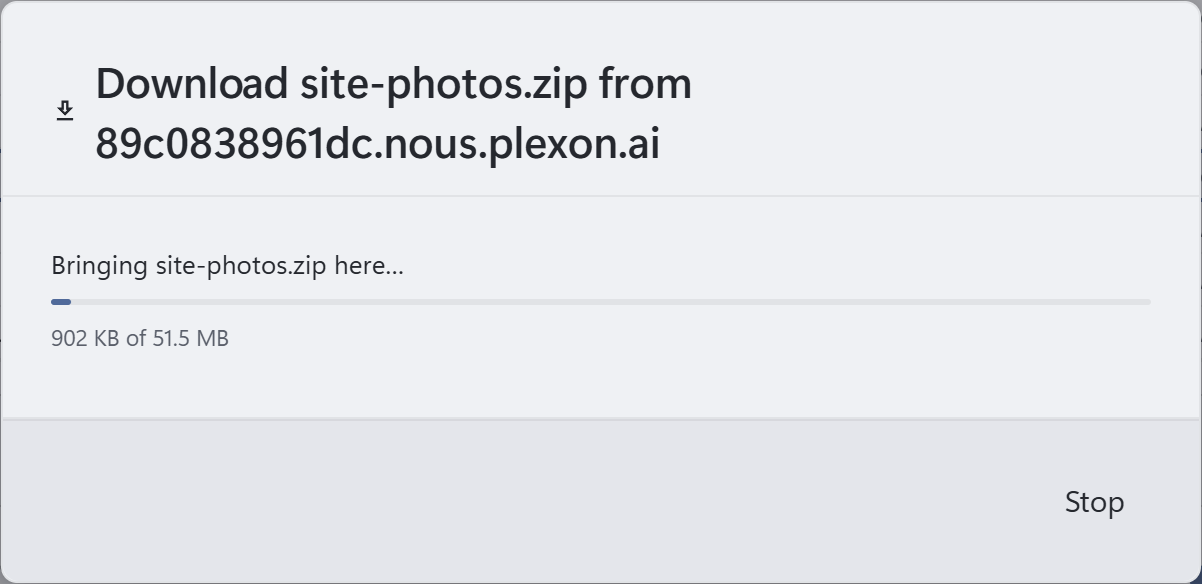
Browse in the app shows its disk, New folder makes one, and New workspace finishes on it. Send a folder copies a folder from your computer to it, into the folder you pick, up to 1 GB a send, with node_modules and build output left out unless you keep them. Code is quicker to clone from GitHub. Everything you save or export in the app, a report, a board as an image or a PDF, a chat to share, a snapshot of the whole setup, lands on your computer.
Your disk
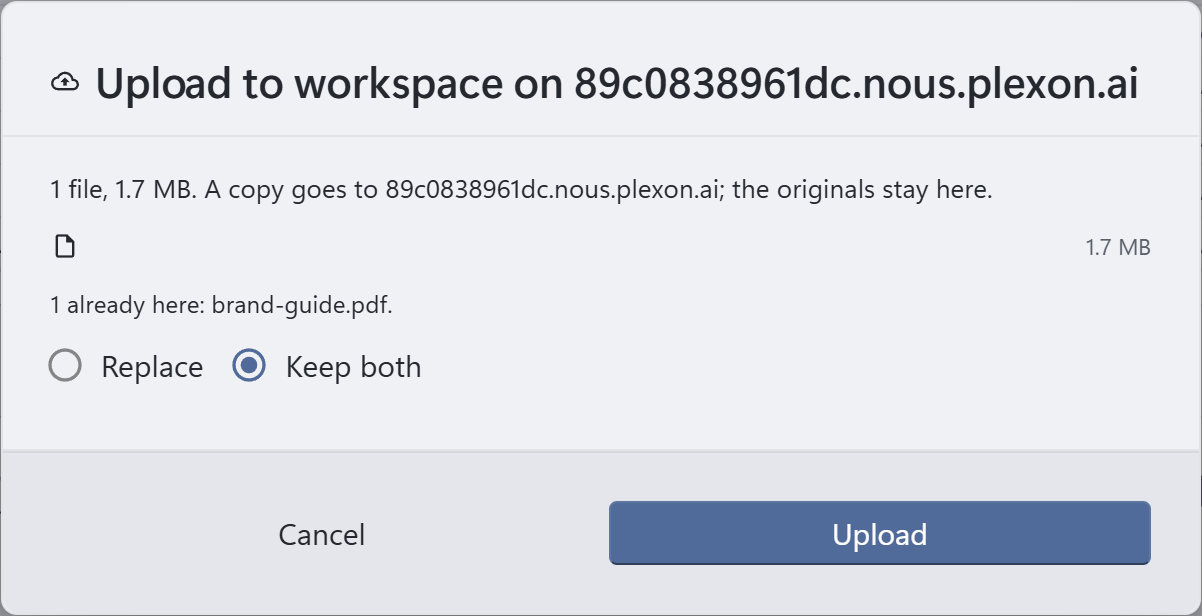
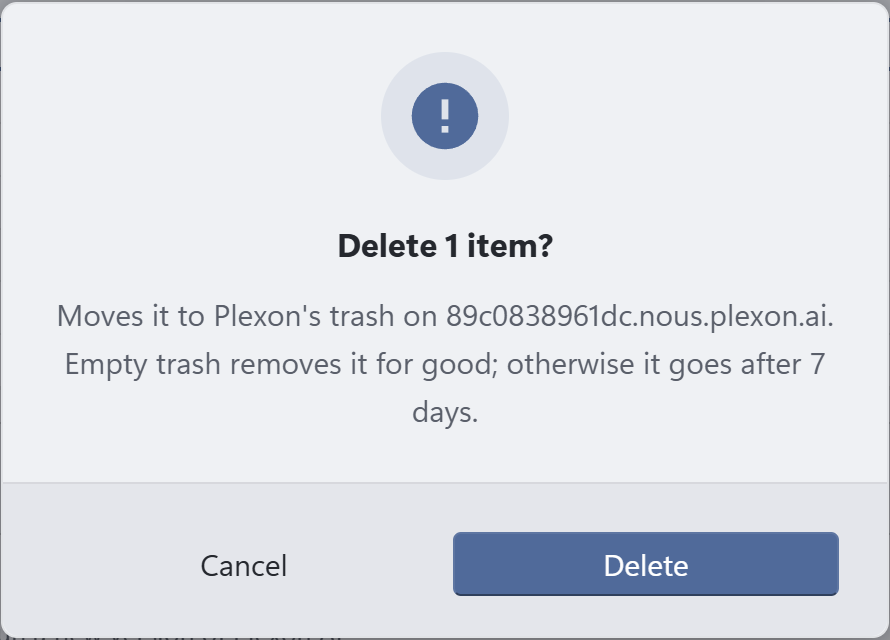
Settings, This computer shows its disk while the app is on it: how full it is, what takes the room, and a file manager to upload files, folders and zips, bring a file or a folder back to your computer, rename, and delete into a trash that empties after seven days. Uploads go up to 1 GB a send, and 512 MB stays kept for Plexon's own work. The disk starts at 5 GB and grows on its own as you add files, up to your account's cap. It never shrinks.
Sign in on its own browser
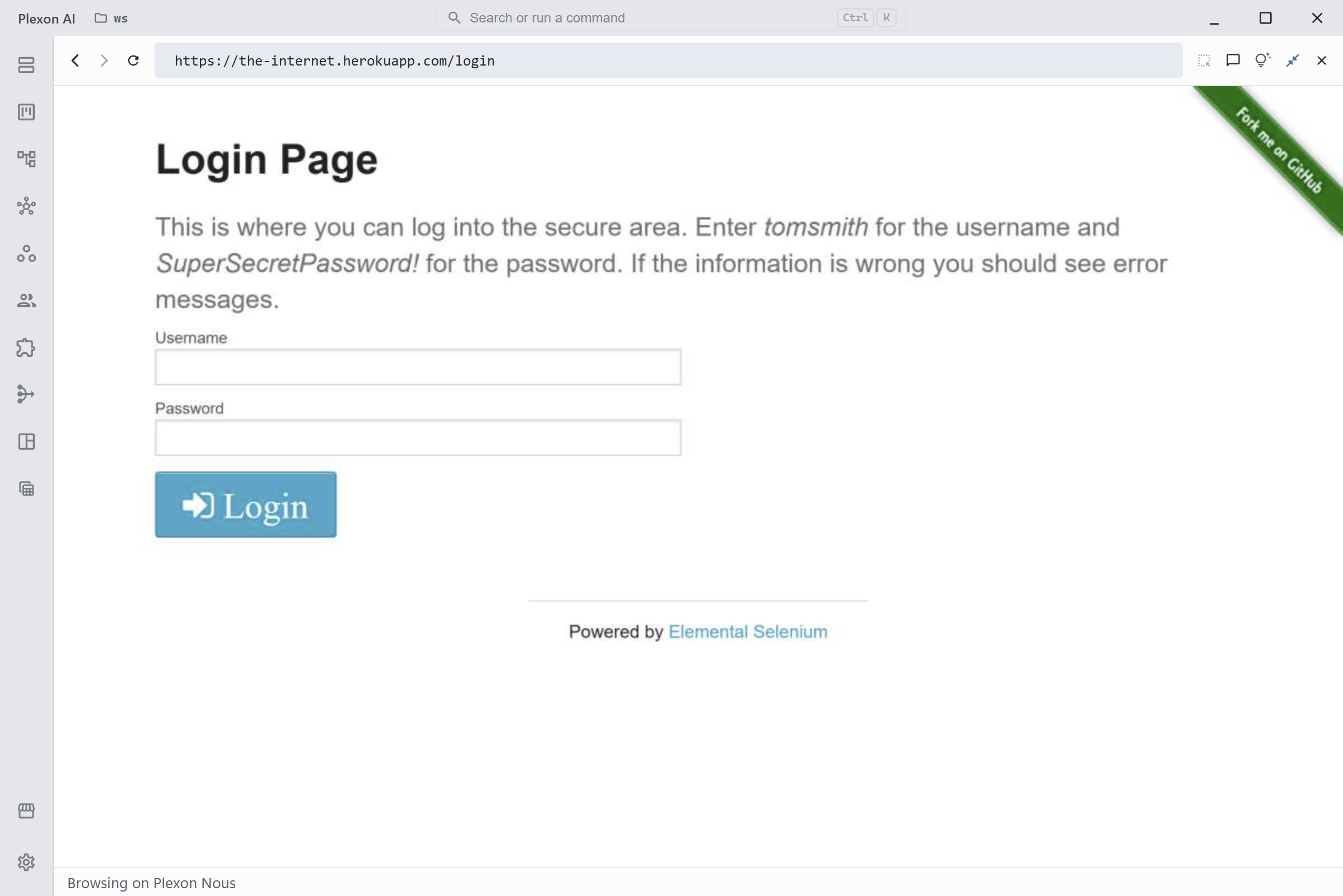
Nous Cloud runs a browser of its own for browser workflows, and so does a computer of your own that you leave running. While the app is connected to it, the Browser panel shows that browser live, and you click, type and paste into it from your computer. A sign-in you make there happens on Nous Cloud, through its proxy when you set one, and stays there. When a workflow stops at a sign-in page, Open the page on its card opens that view. While the panel is open the browser is yours, so a workflow that starts then waits up to five minutes. The picture is never saved.
Your own address for the sites a workflow visits
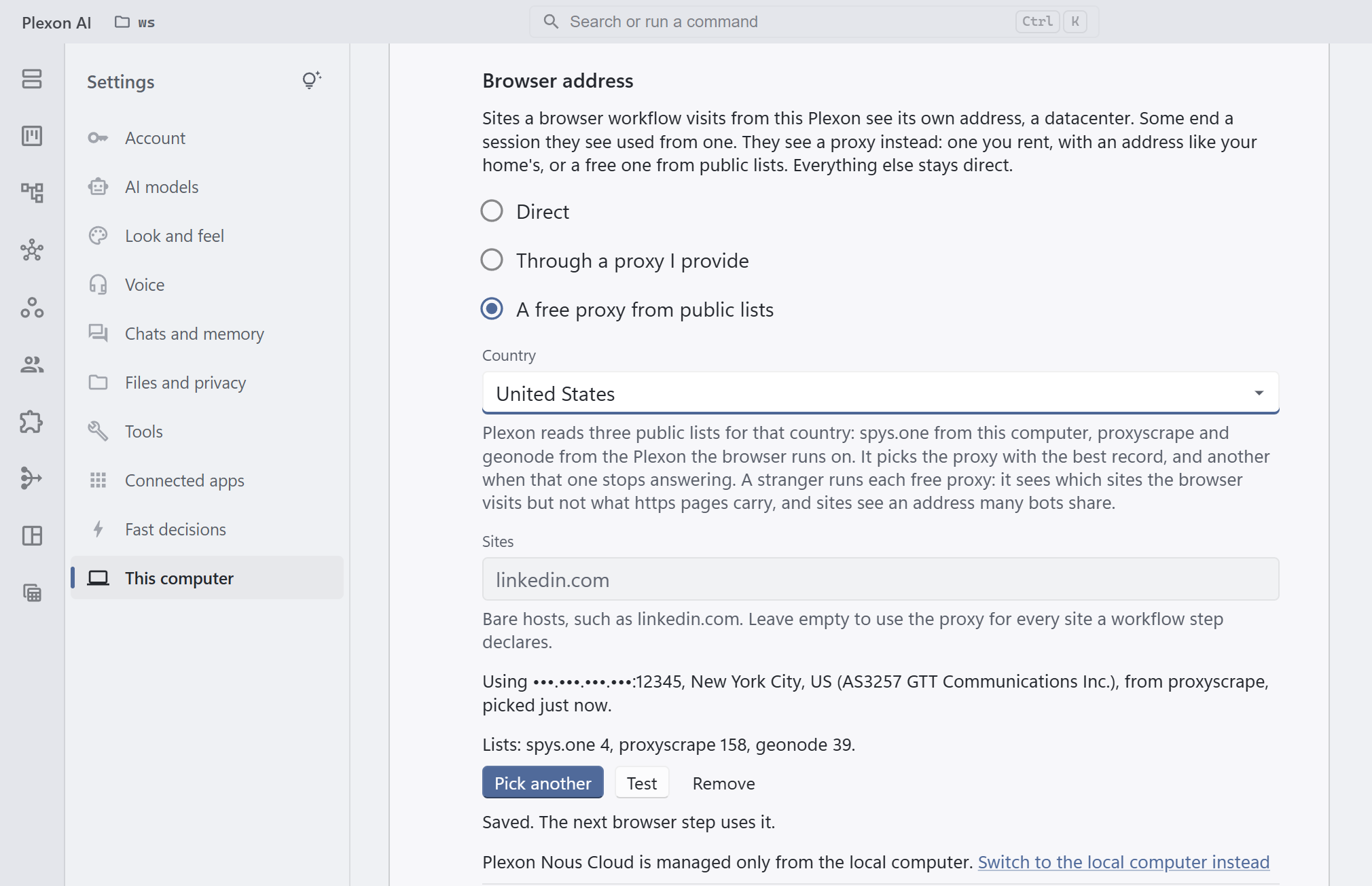
The sites a browser workflow visits see where it runs: a datacenter. Some, LinkedIn among them, end a sign-in they see used from one. Under Browser address in the app you can give those sites another address through a proxy, a computer that passes the visit on under its own address. Rent one, with an address like your home's, or pick a country and take a free one from public lists: your computer reads one list and Nous Cloud reads two more itself, then Plexon keeps the proxy with the best record that answers and swaps it when it stops. Free proxies are shared by many bots and run by strangers, so for LinkedIn rent one. Plexon runs no proxy, and the sites that do not care keep Nous Cloud's own address. This one is Nous Cloud's alone: a computer of your own browses from its own address, and someone sits in front of that browser, so Plexon puts no proxy under it.
Its own seat, its own disk, its own key
It signs in on your account's device seat, never yours, and keeps its run history, files and connector sign-ins on its own disk. One per account, and not a shared service: only an app signed in to your account can pair with it, the key is handed to your computer once, and our server keeps no copy. Switch the app back to your computer, bring a snapshot of its setup down, or turn it off, any time.
What you see on the account page
Under Devices on your account page: whether it is running, when it last checked in, how much of its disk is used, and one row per workflow and board with its last run and any error. A connector it had to turn off, because a program it needs is not there, gets a row with the reason. Runs waiting for you to open the app are called out.
Turning it off
Turn off, in the app or on the account page, deletes its disk: every workflow, board, run history and connector sign-in saved on it. You type its id back to confirm. It cannot be undone. It works while the app is on it too: the app switches back to the laptop first, then removes it.
Prefer a machine of your own? Plexon Nous on your machine does the same on a box, a VM or a container you keep on, and pairs with the app through a six-digit code. The Nous and Nous+ boxes come later; the overview has the waitlist.