Creative AI
VideoGeneration
Create videos from text descriptions or reference images, directly in your conversation. Product demos, animations, and visual storytelling generated inline with zero context switching.
What happens in this clip
- Describe the shot in one line, in this case a paper lantern rising over a harbour at dusk.
- Plexon picks the filming tool over the local one and writes the shot out in full.
- The clip plays in the chat about a minute later, saved next to your work.
- The request it wrote stays on the player as editable fields: duration, aspect ratio, resolution and the prompt.
- Change one thing and it renders a new take, keeping the original.
Related features
Describe it. Generate it.
Type a description of the video you want and Plexon generates it inline. The video appears directly in your conversation. No external tools, no file management, no workflow interruptions.
Direct the camera the way a shot list does. Ask for a push in, a pan, a tracking shot, or a locked-off frame, and set how long the clip runs.
Video generation runs asynchronously. A keep-alive indicator shows progress while the video renders, and the result streams in as soon as it's ready.
One line, and this came back
A real generation, not stock footage. The clip in the walkthrough above is this one.
The prompt
Generate a 5 second video: a paper lantern rising over a quiet harbour at dusk, warm light on the water, boats at anchor [Pedestal up].
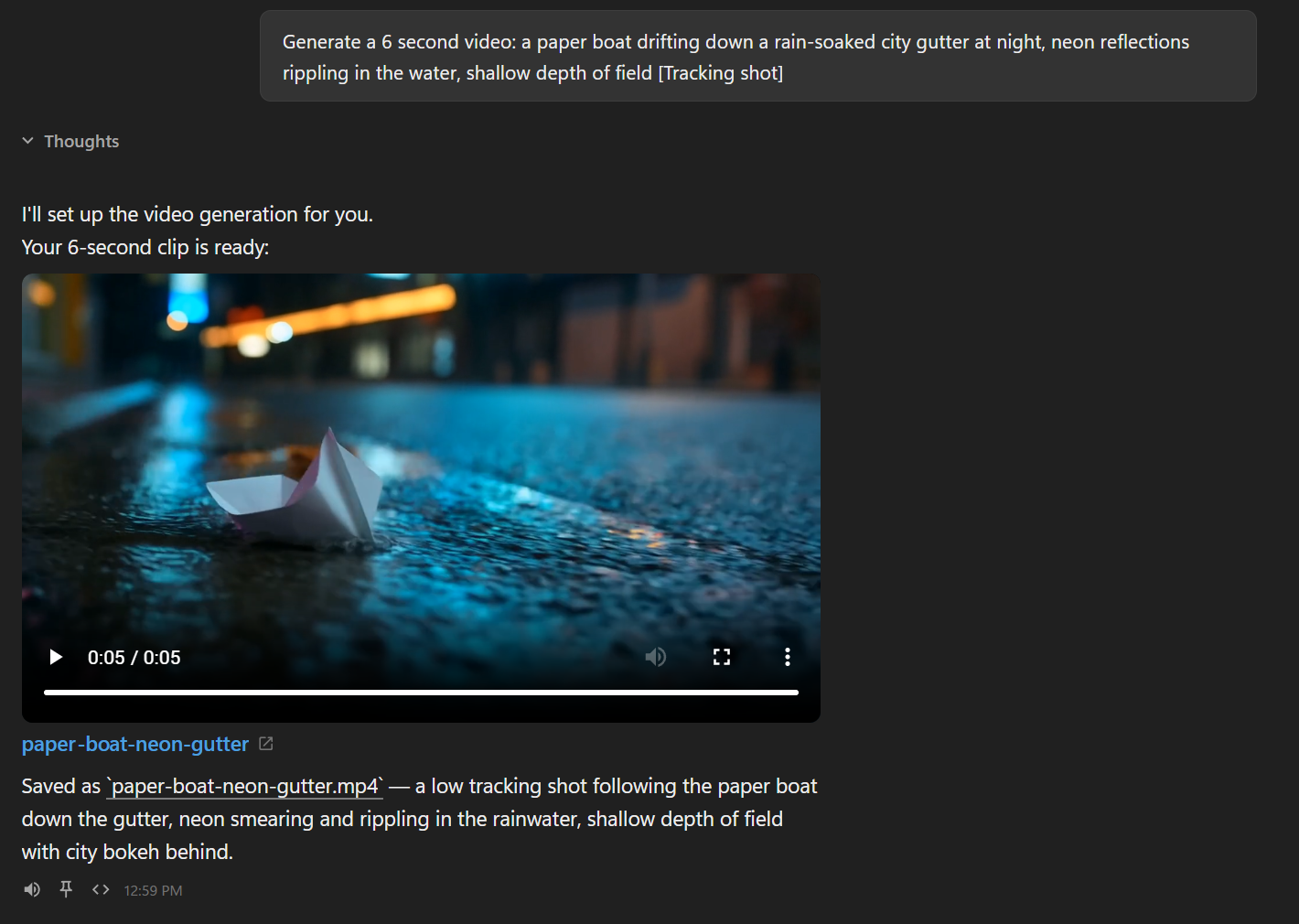
The clip lands in the conversation
Ask for a shot and the player appears in the chat with the first frame already there. Under it, the file name is a link that opens the clip in your own player, and the line that says where it went is clickable too.
Change the shot without losing the one you have
The request that produced a clip stays attached to it. Open it on the player and edit the shot description, the length, the shape or the resolution, or type one sentence saying what should be different. Plexon drafts the new request in the chat box for you to read before you send it, and films a new clip rather than writing over the one you already have.
- The shot description, length, shape and resolution
- Or one box: say what should change
- Nothing is sent until you press Enter
- Earlier takes stay on disk
Two ways to create
Generate videos from text descriptions alone, or provide a reference image for image-to-video generation with more control over the output.
Text-to-Video
Describe your video in natural language. The AI interprets the scene, motion, camera angles, and style from your text and generates a matching video.
Image-to-Video
Provide a reference image and describe how it should animate. The AI uses the image as the starting frame and generates motion based on your description.
Works with the Plexon Provider
On the Plexon provider you stay on one model and just ask. Video runs on the plexon-1.0-video variation, which the server routes to on its own. For multi-task requests that combine coding with video creation, the AI decomposes the work using the plexon-video sub-agent. There is no model to switch.
Video Generation Capabilities
Inline in Conversation
Videos appear directly in your chat. No separate tools, downloads, or browser tabs. Watch, iterate, and refine in the same conversation.
Async with Keep-Alive
Video rendering runs in the background with SSE keep-alive events. The connection stays open and results stream in when ready.
Multi-Task Ready
Combine video generation with coding in the same prompt. The Plexon orchestrator runs a video agent and a code agent in parallel.
Image-to-Video
Use any image as a starting frame. Upload a mockup, screenshot, or design and describe the animation you want.
Pairs With Video Composition
This page makes a single AI-imagined clip. Video Composition takes that clip, or footage you already have, and turns it into a finished video: narrated, captioned, and branded in your own colors.
Give the model a photo as the first frame and it brings the content to life: water ripples, a lantern rises. When all you want is a camera move over the still, a push in, a pan, Video Composition does that on your computer, free.
Explore Video CompositionConnects to
Nothing here works alone. See the whole map for how the pieces fit together.
What feeds it
Image Generation feeds this.
A still can be brought to life as a clip.
Plexon Provider feeds this.
Video on the Premium plan.
Where it goes
This feeds Video Composition.
A generated clip can itself become a scene in a longer piece.
Seen in these jobs