Marketer
Take a campaign from brief to posted
“The assets, the copy and the schedule live in four tools and none of them talk.”
Pull the brand’s own design language off its site, generate the assets, cut them together with narration, and publish on a schedule.
Take the design language off the real site
Point it at a URL and get tokens, type, spacing, shadows and a WCAG score, plus handoff files for Tailwind, Figma and plain CSS.
Try this
Extract the design language from <https://example.com>: tokens, type, spacing, shadows, and a WCAG score. Give me the Tailwind and plain CSS handoff files.
Make the stills
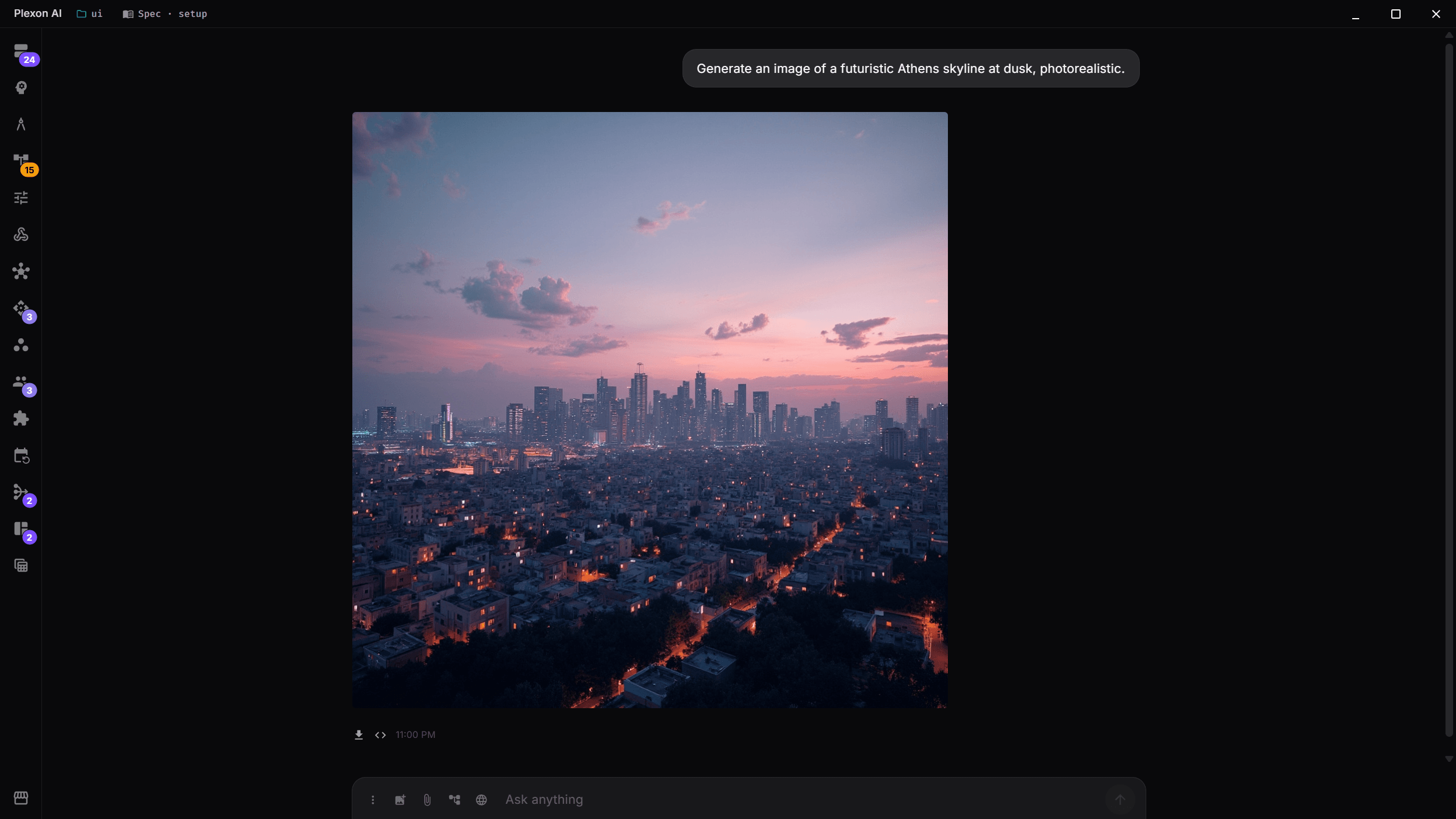
Describe what you want and it renders inline in the conversation.
Try this
Make three square stills for <the campaign>, using the colours and type you just extracted. Keep the background plain enough for caption text.
Bring one of them to life
A still can become a clip, or you can generate from text.
Try this
Turn the second still into a five-second clip with a slow push in and no camera shake.
One line asks for a shot. Plexon picks the filming tool over the local one, writes the shot out in full, and the clip plays in the chat about a minute later. The request it wrote stays on the player as fields, so the next take changes one thing and leaves the first where it is. What happens in this clip
- Describe the shot in one line, in this case a paper lantern rising over a harbour at dusk.
- Plexon picks the filming tool over the local one and writes the shot out in full.
- The clip plays in the chat about a minute later, saved next to your work.
- The request it wrote stays on the player as editable fields: duration, aspect ratio, resolution and the prompt.
- Change one thing and it renders a new take, keeping the original.
Write the bed
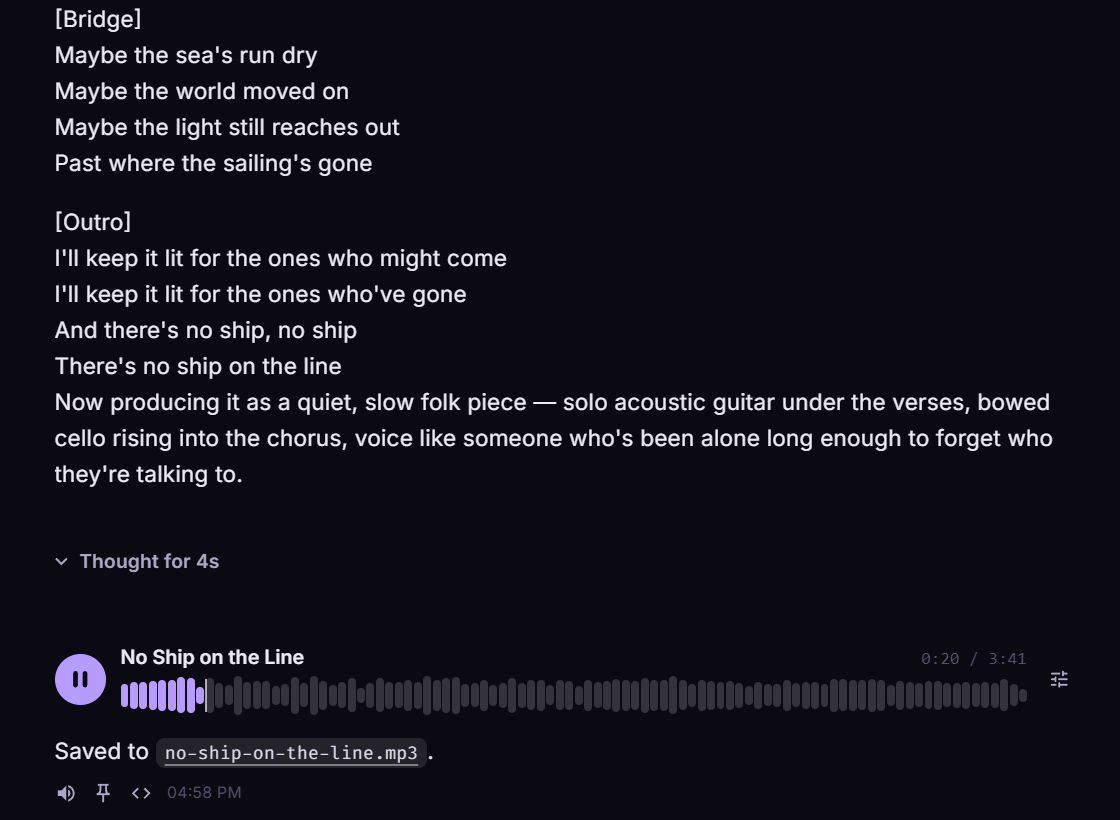
Describe a song and Plexon writes the words, sings them, and hands you the file. Instrumentals too.
Try this
Write and record a 30-second instrumental bed for this campaign: <the mood you want>, nothing that will fight with a voiceover.
Cut it together
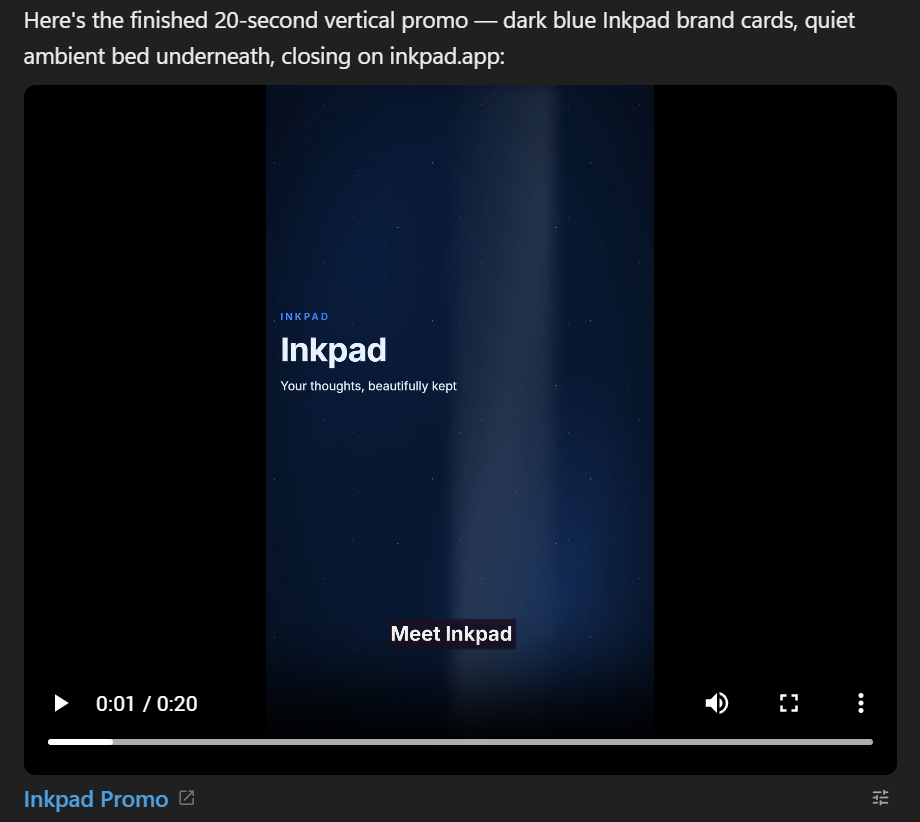
Photos, generated clips and the track become one narrated video with brand cards and timed captions. It renders on your computer, with no daily limit.
Try this
Cut the clip, the stills and the track into one narrated video with brand cards at the start and end, and timed captions throughout. Render it here.
Post it
Through your own account, on the schedule you set.
Search the marketplace for an app you already use, see what the connector will be able to do before you install anything, then link it to your own account. What happens in this clip
- Open the marketplace with Ctrl+K.
- Search for an app you already use.
- The card says what the connector will be able to do before you install anything.
- Install it and the setup starts.
- Link it to your own account, in this case by scanning a code once. Then just ask.
What you end up with
A finished narrated video, matching stills, and a scheduled post, all made on your machine.
Download Plexon