Photo & Screenshot Cleanup
Clear the Screenshots,Keep the Photographs
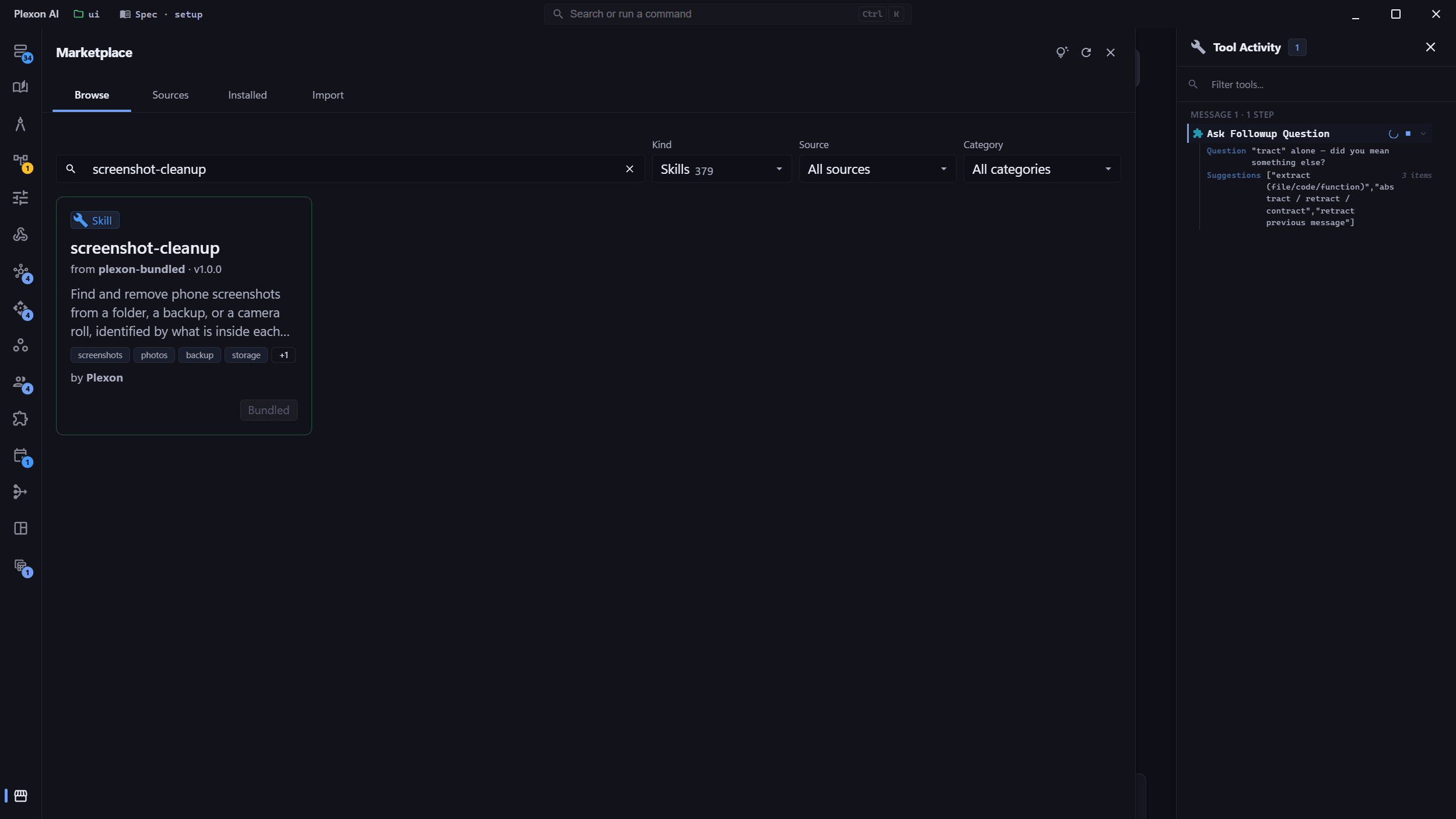
Phone backups rename everything, so there is no "screenshot" in the filename to search for. Plexon opens each file instead and reads what the phone wrote into it when the capture was taken. It shows you the count and the size first, leaves your photographs alone, and sends what you approve to the recycle bin.
Related features
Ask in Plain Language
Point Plexon at a folder and say what you want gone. It scans the folder, tells you how many screenshots it found and how much space they take, and shows you a sample before it touches anything. Nothing moves until you say so.
- "Delete the screenshots in my iPhone backup"
- "How many of these 8,000 files are screenshots?"
- "Clear the screenshots out of C:\Photos, but show me first"
- "What is actually taking up space in this folder?"
It Reads the File, Not the Name
Phone backups rename everything. One real iPhone export had IMG_9084.PNG in one folder and AGOZ1386.MP4 in the next, and 46 of its files had an extension that disagreed with what was inside: a screenshot saved as .HEIC, a photograph saved as .PNG, a 469 MB video saved as .JPG. Plexon opens each file and reads the marker iOS and Android write into every capture, so the name never has to be right.
- The iOS screenshot marker in EXIF and XMP
- The Android capture record written since Android 12
- File and folder names as a fallback, for older phones
- Nothing is trusted from the extension
Your Photographs Stay Put
A camera photo carries the lens, the exposure, and the phone model. Plexon reads those first, and a file that still has them is never removed, whatever the request said. That matters more than it sounds: an iPhone gives an edited screenshot and an edited photograph the same name, IMG_E1234.JPG, and the camera tags are the only thing that tells them apart.
- Camera evidence outranks everything else
- Edited photos are told apart from edited screenshots
- Works the same on a named list as on a whole folder
- The check runs again on every file just before it moves
It Finds the Ones That Lost Their Marker
Editing a screenshot on an iPhone strips its metadata. What is left is the small edit record saved beside it, or the untouched original still carrying the marker, and Plexon pairs them up by number rather than by extension. In one backup that recovered fourteen screenshots that had nothing inside them to go on.
- Edit records name the app that made the change
- The untouched original vouches for its edited copy
- A photograph in the same pair is still left alone
- Pairing ignores the extension, because it can be wrong
Reversible by Default
Removed files go to the Recycle Bin on Windows, the Trash on macOS, and the desktop trash on Linux, so you restore them the way you restore anything else. Plexon also writes a record of what it took and why, and refuses outright on network drives and other volumes where a delete could not be undone.
- Restore from Explorer or Finder, no Plexon needed
- A written record of every file and the reason it was picked
- Refuses rather than deleting permanently where it cannot undo
- Space comes back when you empty the bin
How It Decides
Reads Every Format
PNG, JPEG, HEIC, MP4, and MOV, plus the edit records phones leave beside them. Each one is opened and identified by what is inside it.
iPhone and Android
The iOS marker, the Android capture record, and the naming and folder conventions every phone and desktop uses, including the translated ones.
Photographs Protected
A file that still carries its lens, exposure, or camera model is never removed. That check beats every other signal.
Sorts the Whole Folder
The results count screenshots, screen recordings, camera photos, camera videos, and saved images to show what is using the space.
Honest About Doubt
A wallpaper saved at your phone screen size looks exactly like a screenshot. Those are reported separately and never removed on their own.
Goes to the Recycle Bin
Not a hidden folder of its own. Windows, macOS, and Linux each get their real trash, and you empty it when you are ready.
Shows You First
The first run only reports. The second needs the count from the first, so a folder that changed in between stops the job instead of removing a different set.
Nothing Leaves Your Machine
The scan runs in the local engine and reads only the first part of each file. No uploads, and nothing sent to a model.
Connects to
Nothing here works alone. See the whole map for how the pieces fit together.