Everyday
Clear forty thousand screenshots out of a photo folder
“Everything is called IMG_9084.PNG and most of it is screenshots.”
It reads each file to work out what it is, so it still finds them after an export renamed everything. Camera photos are recognised separately and left alone.
Just ask
Point it at the folder in plain language. No rules to configure.
Try this
Clear the screenshots out of <C:\path\to\your\photos>. Leave the camera photos where they are, and show me the list before anything moves.
Type @ and it offers your agents, the files in the project, past sessions, even single facts out of your notes. Then Enhance turns a rough prompt into a clear one. What happens in this clip
- Type in the chat box.
- Type @ and it offers your agents, the files in the project, past sessions, even single facts out of your notes.
- Pick an agent to point the message at it.
- Mention a file the same way and pick it from the list.
- Enhance turns a rough prompt into a clear one before you send it.
It reads the files, not the filenames
An export that renamed everything defeats a filename rule and does not defeat this. Camera photos are recognised separately and left where they are.
See the list before anything moves
A dry run first, then an explicit confirmation. It aborts if the folder changed between the two, and what goes, goes to the recycle bin.
Try this
That list looks right. Send them to the recycle bin, not a permanent delete, and tell me the count when you are done.
Find the session again later
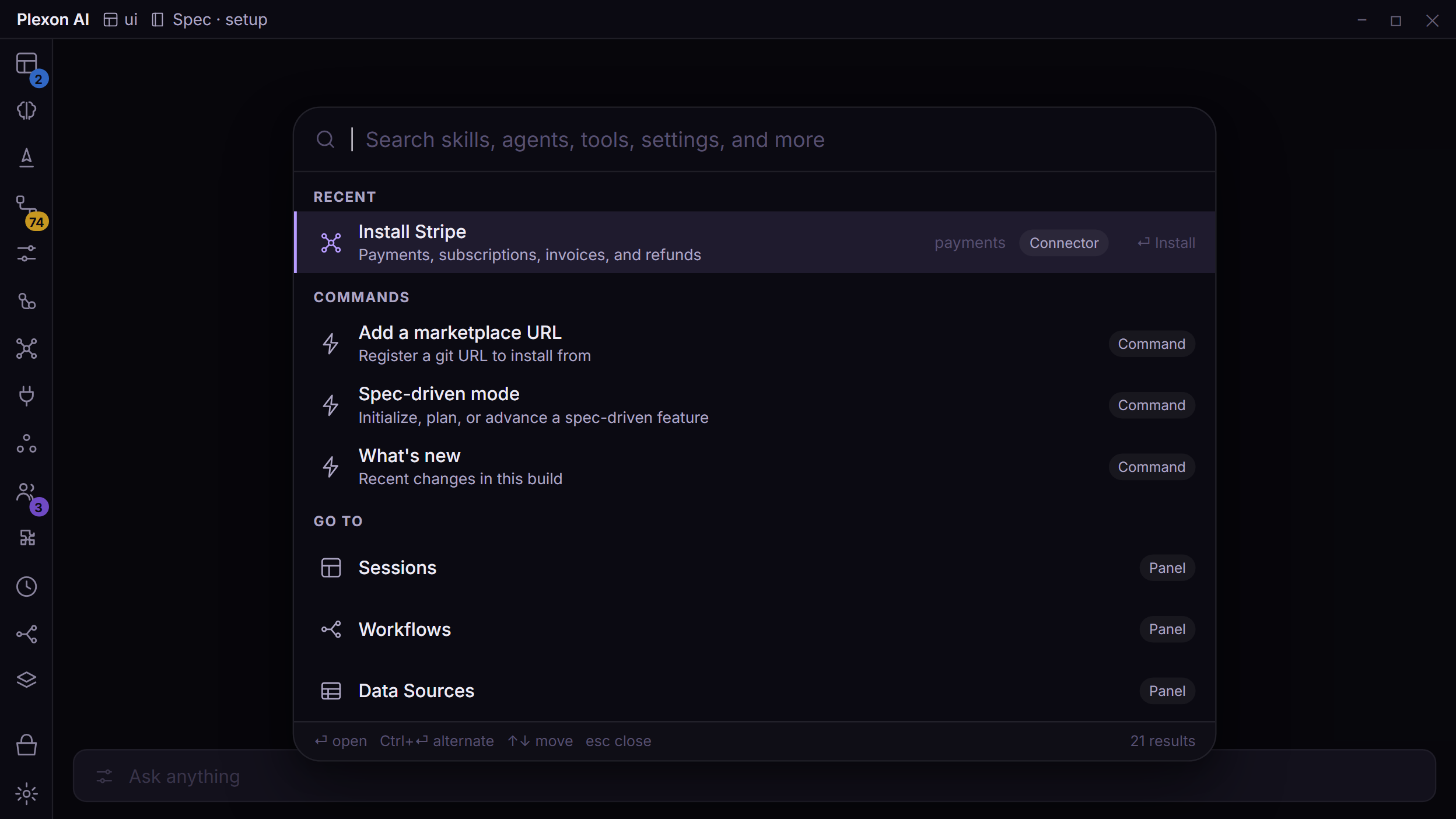
Ctrl+K searches your chats along with everything else, so the summary is one search away next time.
What you end up with
A summary of what went and what stayed, with the photos untouched and everything removable still in the recycle bin.
Download PlexonAlso for everyday
Think out loud, on one machine, and have it remembered
Speak instead of typing, let the consolidation pass connect what you said, ask questions about your own past decisions, and seal the whole thing behind a passcode.
Stop re-explaining the same preferences
Feedback becomes rules, sessions become skills, and the order things are suggested in follows what you actually take.