Everyday
Think out loud, on one machine, and have it remembered
“I want somewhere to think that is not going to end up in a training set.”
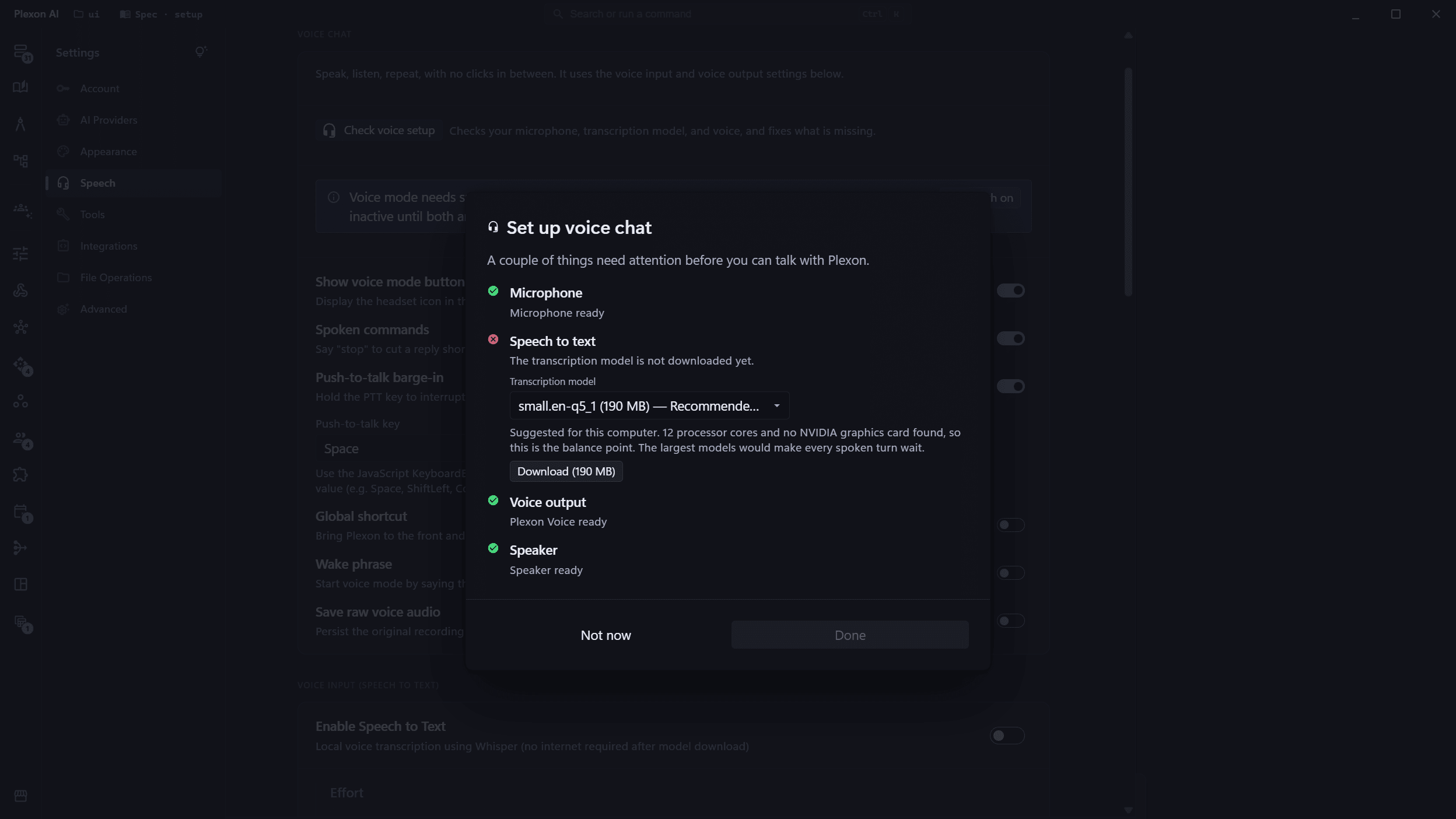
Speak instead of typing, let the consolidation pass connect what you said, ask questions about your own past decisions, and seal the whole thing behind a passcode.
Say it instead of typing it
For a journal, pick Whisper in Settings: it transcribes on your machine and the audio never leaves it. Push-to-talk, barge-in, and the transcript saved as part of the session.
Try this
Start a voice conversation. I want to talk through <what is on your mind> and have you keep the transcript with the session.
Let it tidy up while you are not there
A background pass deduplicates entries, drops stale facts, resolves contradictions, and keeps the index clean.
Try this
Run a consolidation pass over my memory now. Tell me what you merged, what you dropped as stale, and any contradiction you left for me to settle.
AutoDream Memory Consolidation
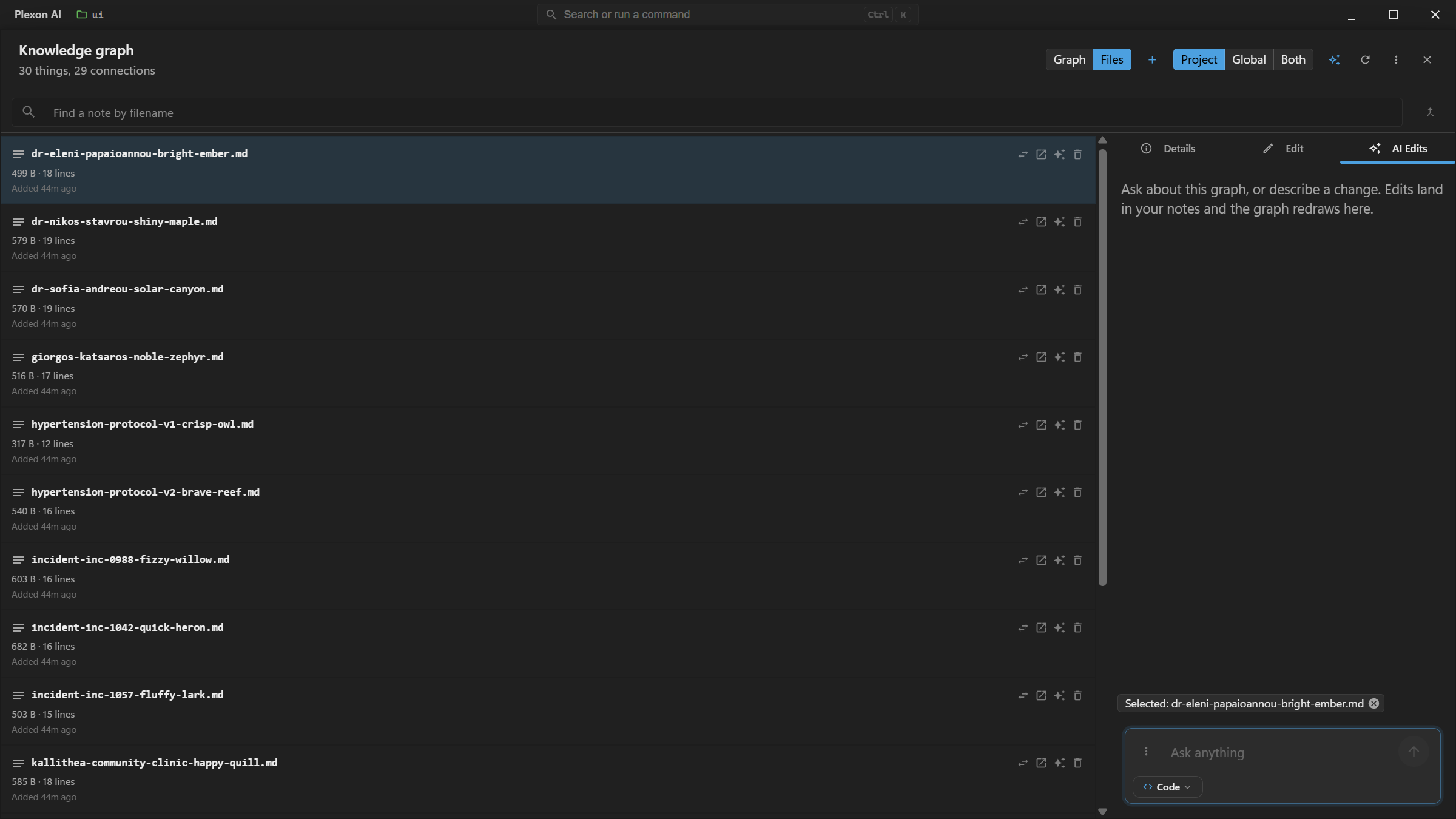
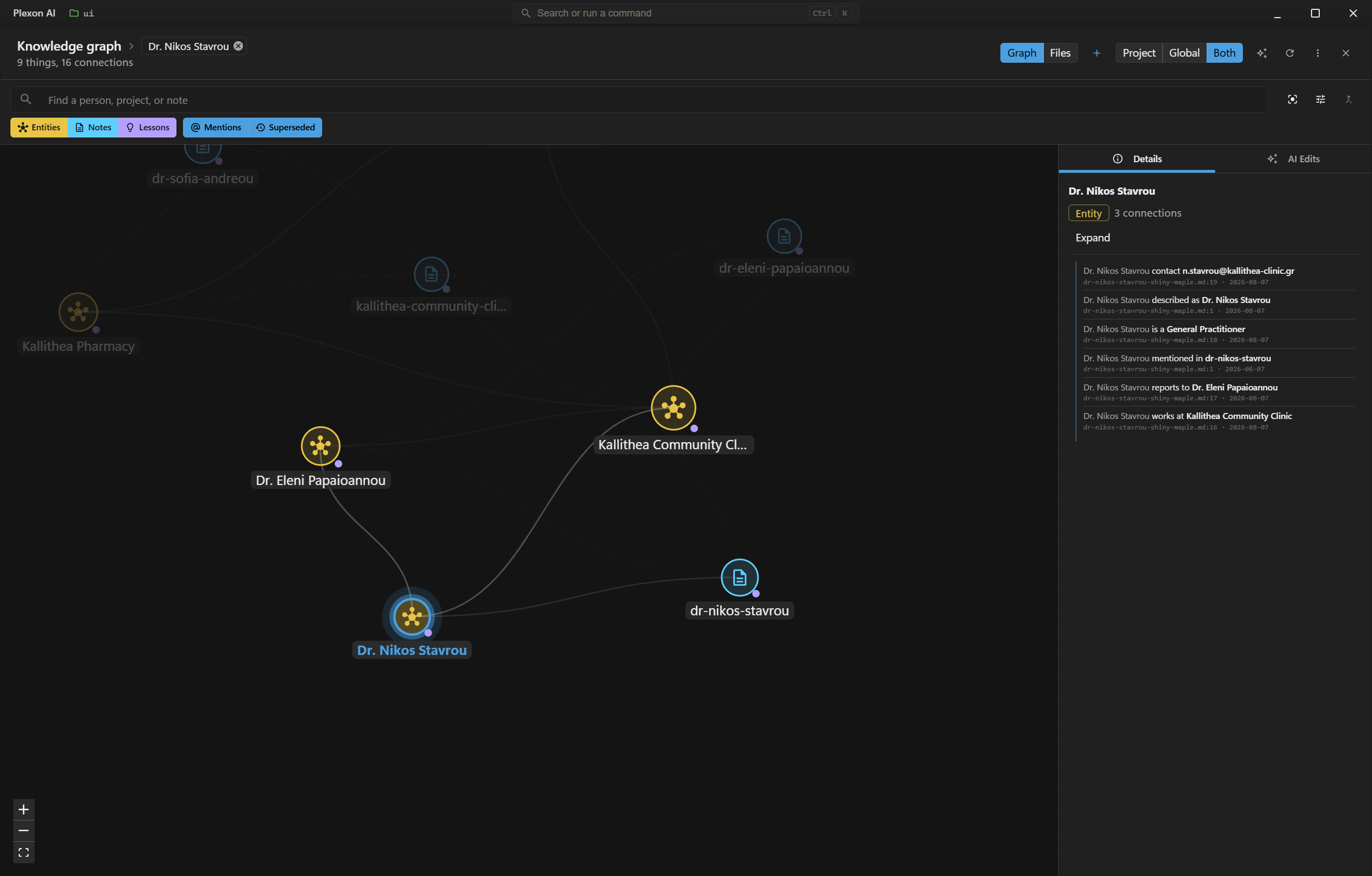
Ask about a person, not a file
Every fact answers with the note and the line it was read from, and whether the note stated it or Plexon worked it out. Two spellings of one name are proposed for merging, never merged on their own.
Try this
What do I know about <a person you have written about>? Answer from my notes, and show the note and line behind each fact, and whether I stated it or you worked it out.
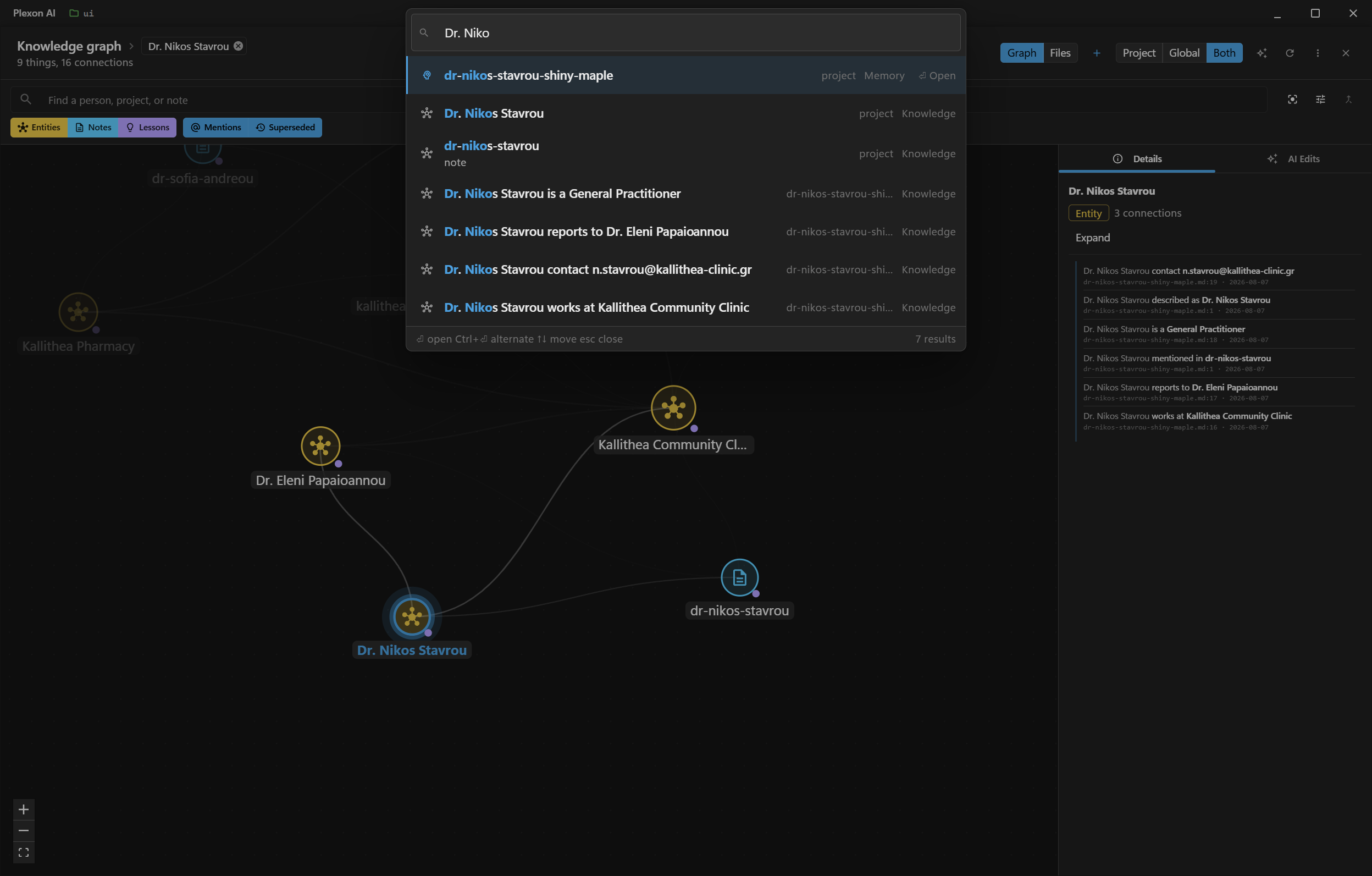
Find any of it in one box
Ctrl+K searches your notes, the people and facts in the map, your pinned messages and every setting. Ranking happens inside the window; nothing waits on a server.
Seal it
A passcode encrypts the session. Touch ID or Windows Hello unlocks it. No passcode, salt or key reaches a server, and a forgotten one cannot be reset.
Take it with you
One encrypted file carries the whole setup to a new computer. You choose the passphrase and Plexon stores it nowhere.
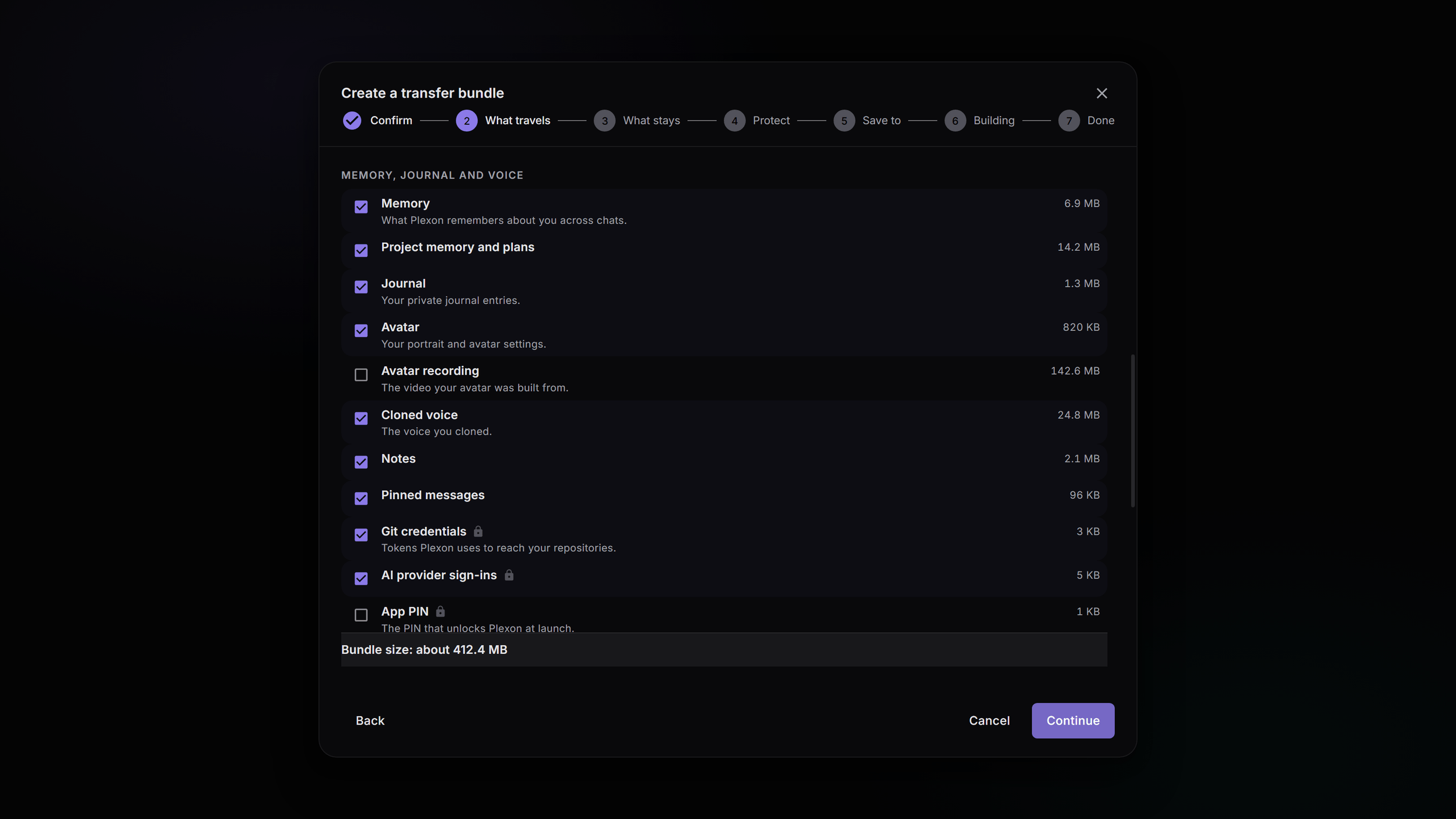
What you end up with
A journal that can answer questions about your own reasoning, on your machine, sealed with a key that reaches no server.
Download PlexonAlso for everyday
Clear forty thousand screenshots out of a photo folder
It reads each file to work out what it is, so it still finds them after an export renamed everything. Camera photos are recognised separately and left alone.
Stop re-explaining the same preferences
Feedback becomes rules, sessions become skills, and the order things are suggested in follows what you actually take.