Sales team
Grow a LinkedIn network in one sector without clicking Connect all day
“I want to reach the people in one sector on LinkedIn, and sending every invitation by hand is not a job.”
A workflow that ships with Plexon works through one LinkedIn search on weekdays, a few people per run, and welcomes the ones who accept. It stays under the limits LinkedIn users report as safe and stops at the first notice.
Sign in to LinkedIn once
Open the browser beside the chat and sign in to LinkedIn. The hidden window the workflow uses shares that sign-in, so it never needs your password.
Set the search and the texts
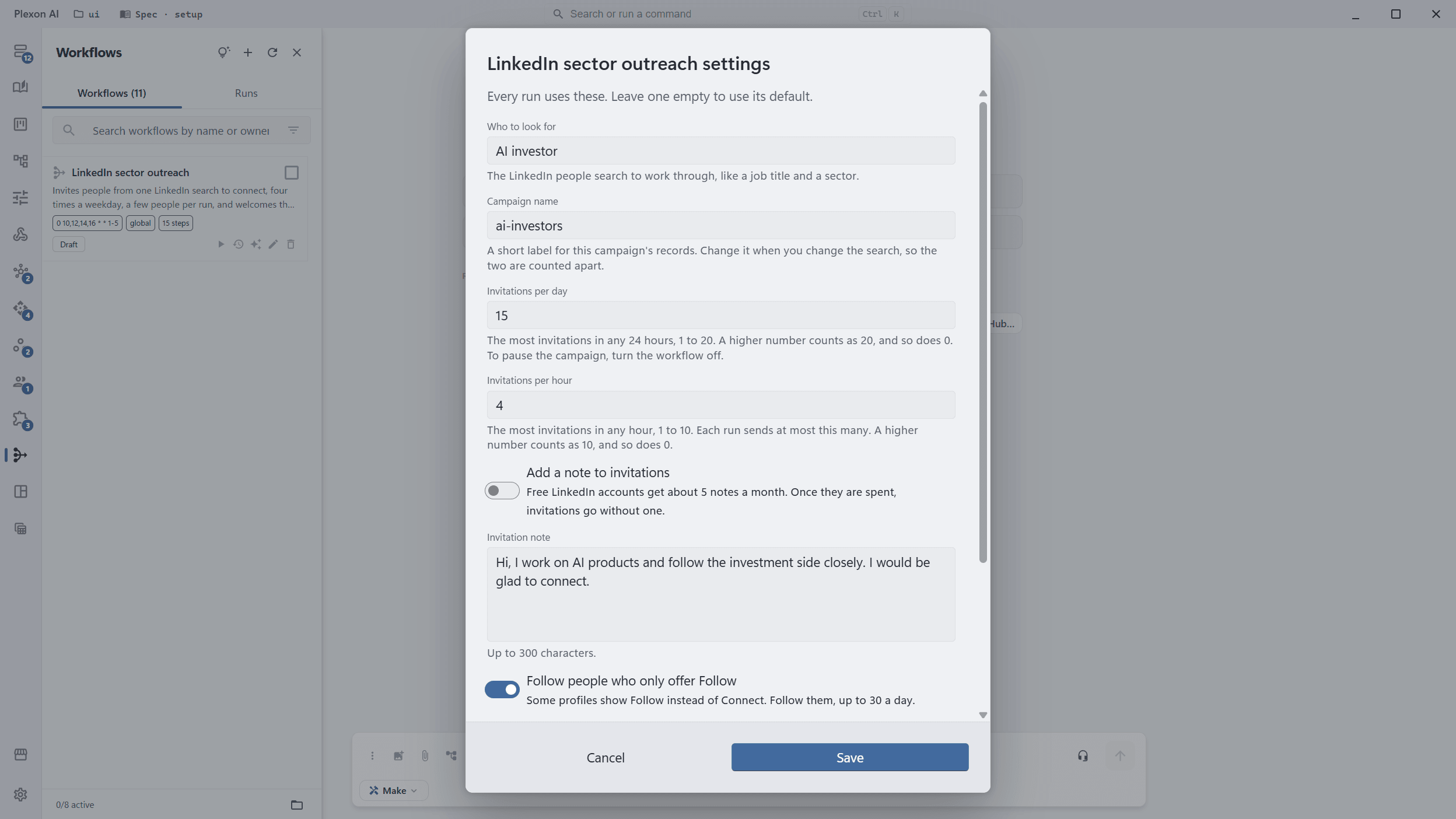
Right-click LinkedIn sector outreach in Workflows and choose Settings: who to look for, a campaign name, how many invitations a day and an hour, and the note and welcome texts.
Turn it on
It arrives switched off. Once on, it runs at 10:00, 12:00, 14:00 and 16:00 on weekdays in your own time zone, each run starting at a random minute within half an hour. Plexon has to be running, open or in the tray.
Look in while it works
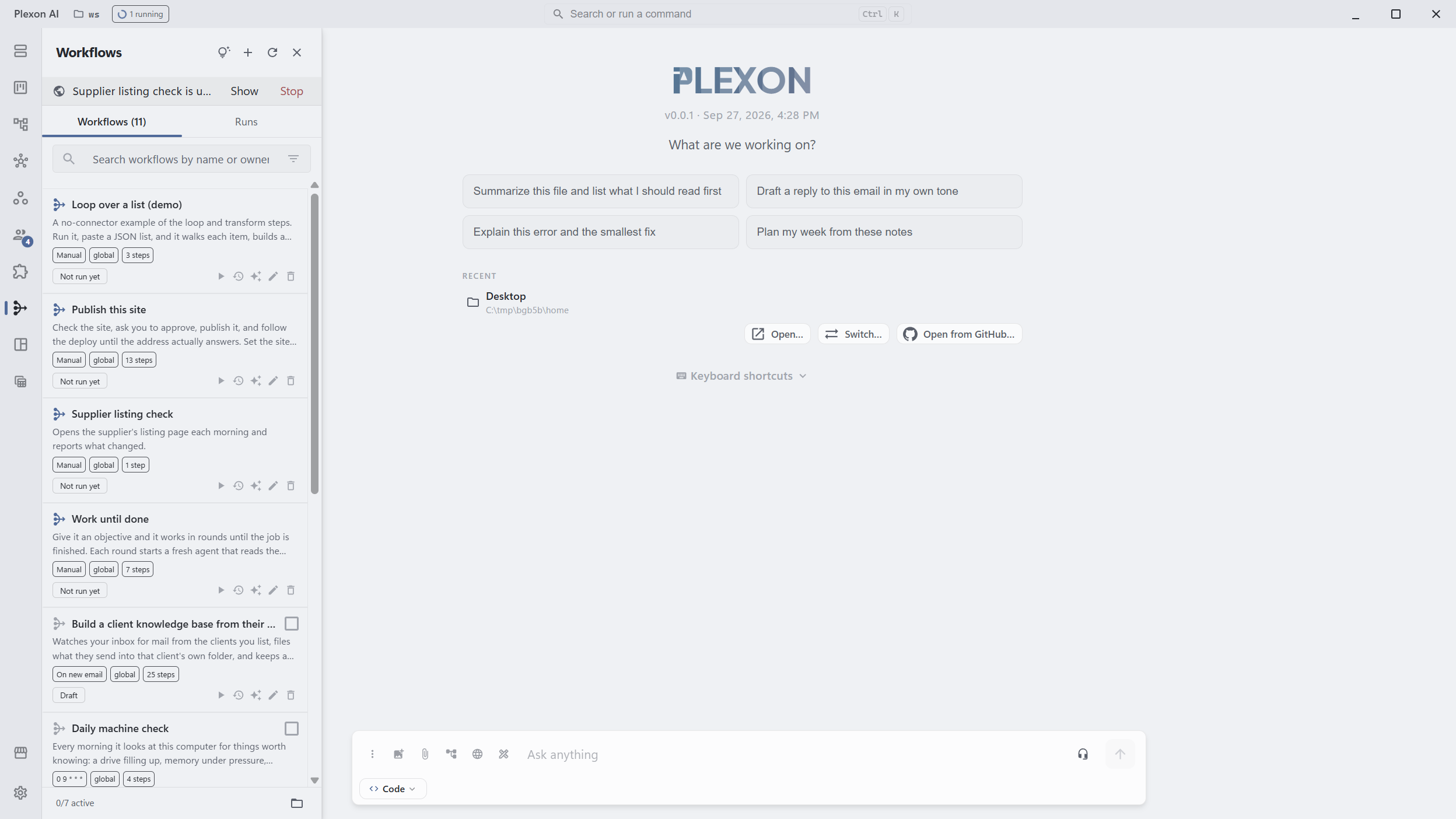
While a run uses the browser, a strip under the Workflows header names it, with Show and Stop. Show brings the window up; Stop ends the run and closes it.
Read the tally
Each run leaves a note in the workflow inbox: who it invited, followed, skipped and welcomed, who replied and which of them look like leads, and how many invitations are left this week. It never answers a reply for you. A limit notice pauses the campaign, and the note says until when. LinkedIn does not allow automation, so the account at risk is yours.
What you end up with
A campaign that sends a few invitations a day on its own, welcomes the people who accept, tells you which replies look like leads, and pauses itself when LinkedIn says so.
Download PlexonAlso for sales team
Never let a lead go cold between the enquiry and the reply
A poll on the inbox, an AI step that pulls out what matters, a first touch inside a minute, and a second touch that only reaches the people who went quiet.
Find newly registered companies in my sector
A workflow that ships with Plexon reads the Greek business registry every weekday morning for companies registered in the sectors and prefectures you choose, scores each new one against what you sell and files the fits as leads with a Greek opener.