IT & admin
Give your customers an assistant that knows your product
“Our customers ask the same product questions and our team answers them one at a time.”
Package a persona with your own knowledge, your own connectors and your own workflows, and hand it to customers through the app they already downloaded.
Write down what your product does
A skill is markdown. It is the difference between an assistant that guesses at your pricing and one that quotes it.
Try this
Write a skill about <your product>: what it does, what it costs, and the ten questions customers ask most. Use our own wording and do not invent anything you cannot find.
The Skills panel with its built-in help: what a skill is, and how the installed ones are organized. What happens in this clip
- The Skills panel opens from the sidebar with its built-in help card.
- The help explains what a skill is: a reusable instruction that teaches the AI how to handle a specific task.
- The installed skills are listed under it.
- Each one can be turned on or off from its card.
Package the role
A persona carries its skills, its sub-agents, its dashboards, its workflows and its connectors, and installs as one unit.
Try this
Package that skill, the sub-agent and my API connection into one persona called <name>, with a welcome message written for a first-time customer.
Install the Stock Trader persona from the marketplace, switch to it, and open the live Trader Cockpit board it brings along. What happens in this clip
- Find the Stock Trader persona in the marketplace and install it.
- Switch to it from the persona picker.
- The welcome screen and the starter prompts change with it.
- It brings its own dashboard, the Trader Cockpit, already live.
- Switching back leaves the persona installed for next time.
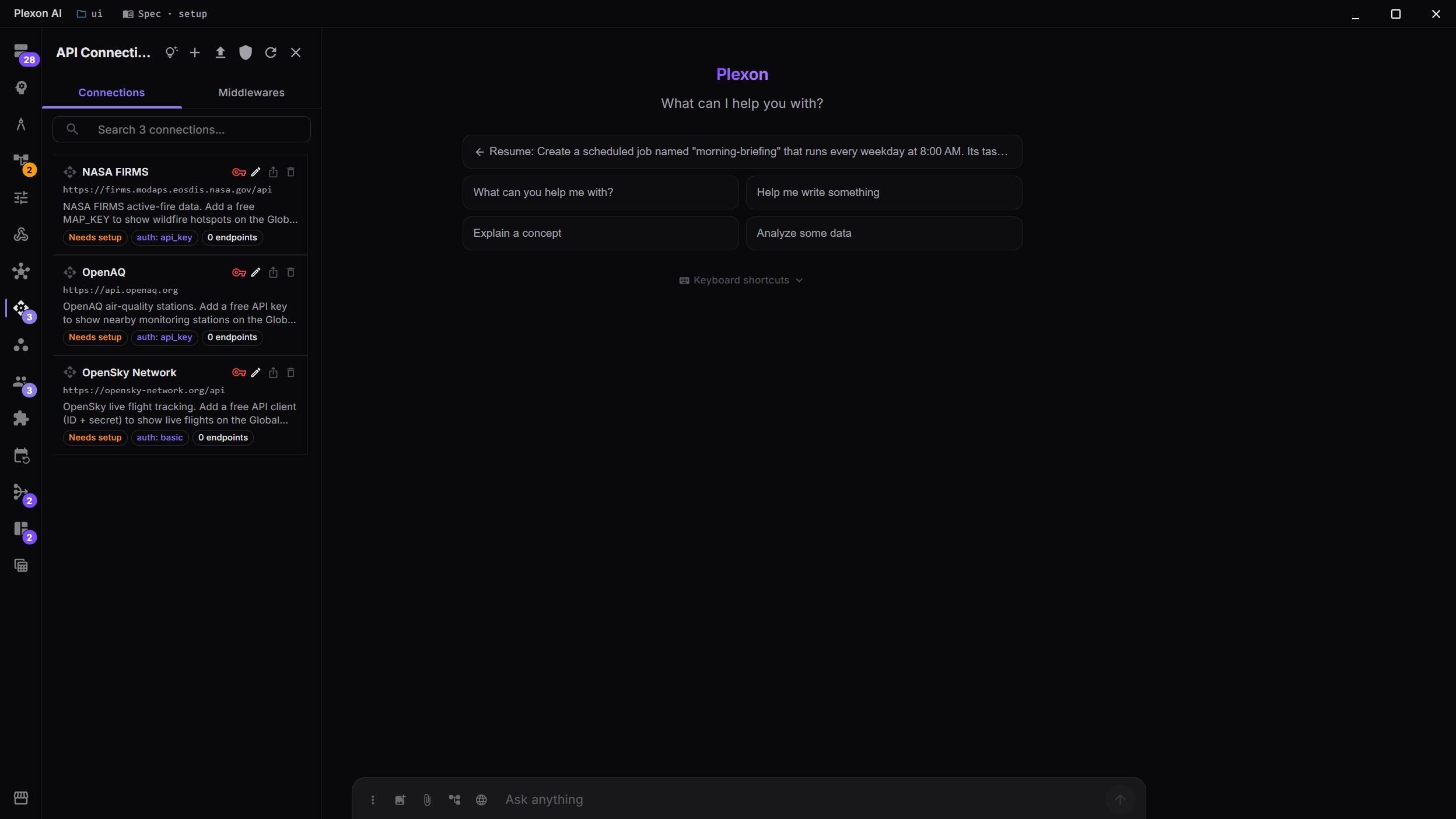
Connect your own API
Bundle the connection into the persona so it arrives configured. Identity placeholders scope each installer to their own data at runtime.
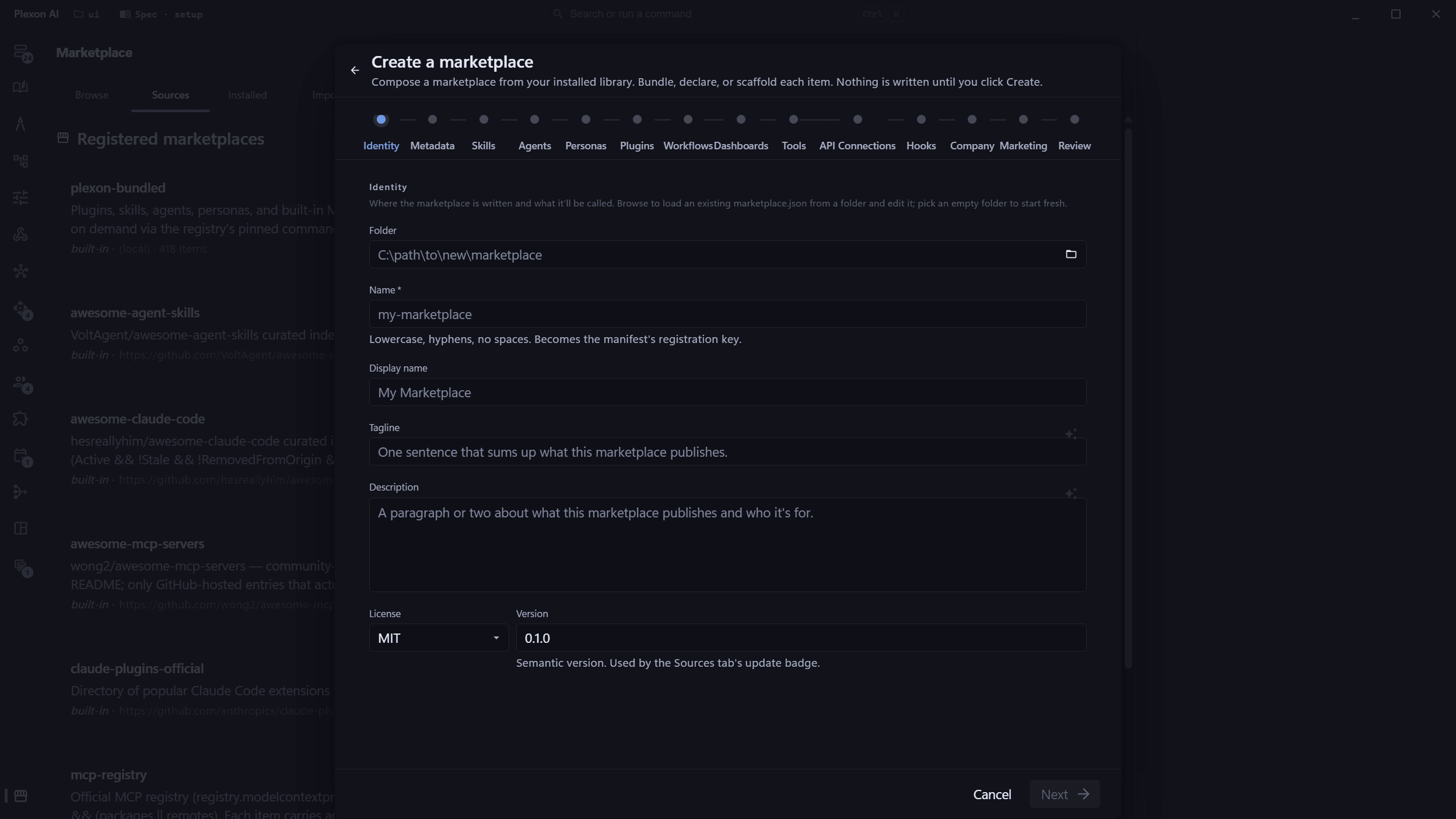
Build the marketplace inside the app
Scaffold it, edit with live reload, validate with the Inspector, and publish with one-click Sync. Conflicts resolve per file.
Hand it over
One Browse dialog installs every kind of artifact. Your customers get your items without leaving the app they already have.
The Marketplace panel with its built-in help: one grid across every source, narrowed by kind, source, and category. What happens in this clip
- The Marketplace panel opens with its built-in help card.
- One grid covers every registered source.
- Narrow it by kind, by source, or by category.
- Cards say where each item came from, and whether it is already installed.
What you end up with
A customer installs Plexon, signs in, and lands in a role you built, with your knowledge loaded and your API connected under their own identity.
Download Plexon