Analyst
Stay on top of a portfolio without staring at charts
“Either I watch the market all day or I miss the move.”
A board that is quiet until something happens, fed by scheduled runs, with a note written to the journal each time.
Turn on the Trader persona
It arrives with its cockpit board, its workflows and its data sources already attached.
Install the Stock Trader persona from the marketplace, switch to it, and open the live Trader Cockpit board it brings along. What happens in this clip
- Find the Stock Trader persona in the marketplace and install it.
- Switch to it from the persona picker.
- The welcome screen and the starter prompts change with it.
- It brings its own dashboard, the Trader Cockpit, already live.
- Switching back leaves the persona installed for next time.
Point it at your data
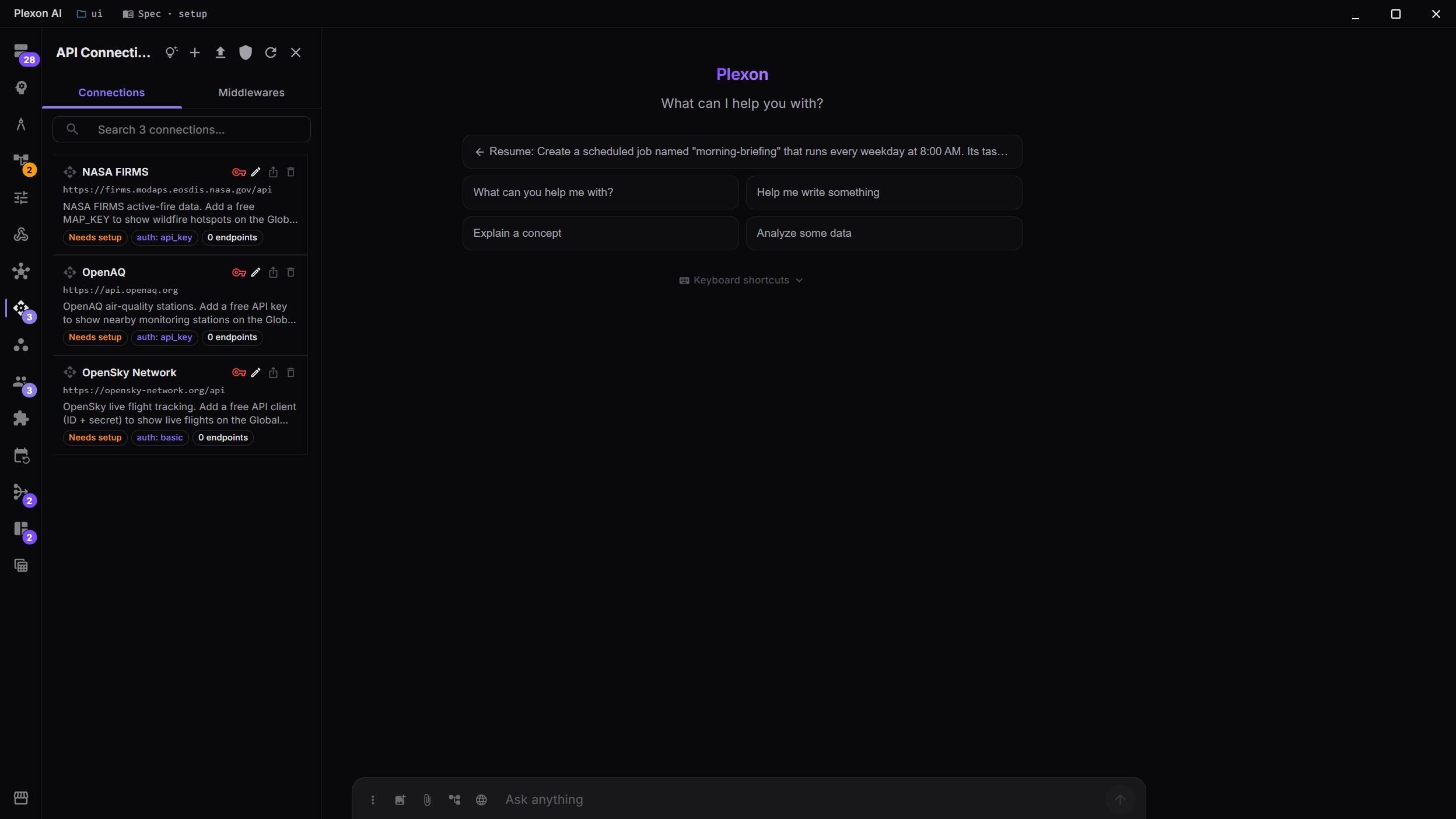
Import an OpenAPI spec or build the endpoints by hand. API key, Bearer, Basic or OAuth 2.0, with a per-endpoint test runner.
Put the cockpit up
Stat tiles, charts and tables, refreshed on a timer or in the background.
Try this
Build me a board for <your watchlist>: a stat tile per position, a chart of the last 90 days, and a table of today movers. Refresh it every 15 minutes.
The Weather board opened in edit mode, widget by widget: the board parameter every card reads, where each one gets its data, and how often it refreshes. What happens in this clip
- The Weather board opens in edit mode.
- A board parameter at the top is read by every card on it.
- Each widget shows where it gets its data.
- Each one carries its own refresh interval, in plain language.
- Change the parameter and every widget re-runs.
Check on a clock, not on a whim
A job on a cron expression, auto-disabled after three consecutive failures so a broken feed does not spam you forever.
Only speak when there is something to say
A condition step decides whether the run ends silently or sends.
Try this
Add a condition so the run ends silently unless something moved more than 3 percent. Only then send me a message.
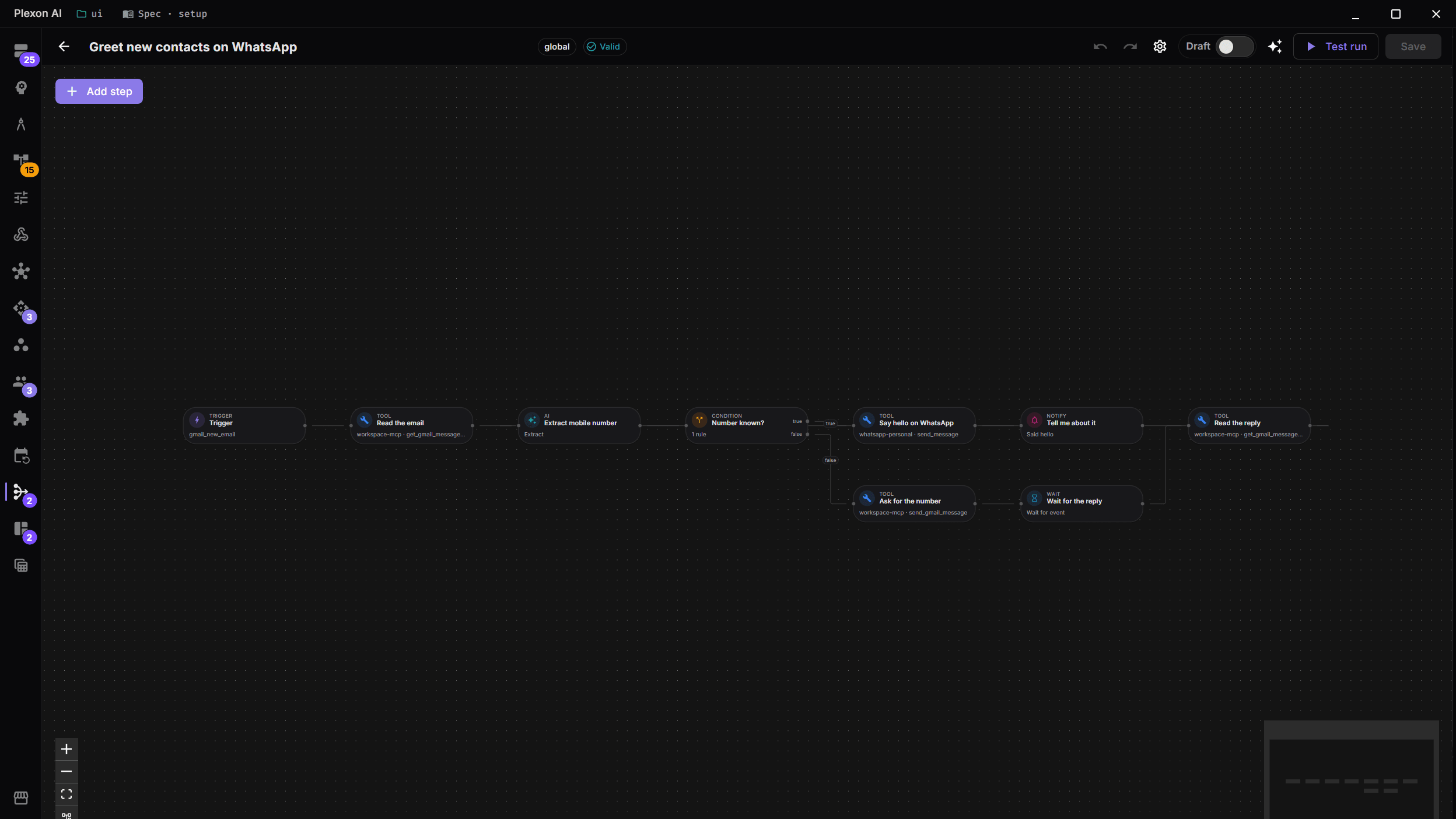
A bundled workflow opened in the editor, one step at a time: the trigger that polls the inbox, the tool step that reads the email, the AI step and the fields it returns, the branch, the message it sends, and the notification at the end. What happens in this clip
- A bundled workflow opens in the editor.
- The trigger at the top polls the inbox.
- A tool step reads the email, spending no AI tokens.
- An AI step pulls out named fields, and a branch decides what happens next.
- A message step sends the reply, and a notification step tells you it went.
Hear about it wherever you are
The message arrives on your phone and the reply continues the same session.
What you end up with
A quiet board and a message when something moves. Educational only: it never places an order.
Download Plexon