Support
Stop answering the same twelve questions
“The same questions arrive every day and each answer costs ten minutes.”
Put the answers in a skill, let a hook draft the reply when a ticket lands, and keep a human on the send button.
Connect the helpdesk
Sign in with your own account. The assistant reads and writes as you, inside the tool your team already uses.
Search the marketplace for an app you already use, see what the connector will be able to do before you install anything, then link it to your own account. What happens in this clip
- Open the marketplace with Ctrl+K.
- Search for an app you already use.
- The card says what the connector will be able to do before you install anything.
- Install it and the setup starts.
- Link it to your own account, in this case by scanning a code once. Then just ask.
Write the answers down once
A skill is a markdown file of standing knowledge. Author it from the conversation and every future reply is grounded in it.
Try this
Turn the last dozen answers I wrote into one skill about <your product>. Keep my wording, drop anything specific to a single customer, and keep it short enough that I will read it.
The Skills panel with its built-in help: what a skill is, and how the installed ones are organized. What happens in this clip
- The Skills panel opens from the sidebar with its built-in help card.
- The help explains what a skill is: a reusable instruction that teaches the AI how to handle a specific task.
- The installed skills are listed under it.
- Each one can be turned on or off from its card.
Fire when a ticket arrives
A hook watches the event and dispatches to a sub-agent. Create with AI writes the script; you do not need to.
Try this
Create a hook that fires when a new ticket arrives and hands it to a sub-agent that drafts a reply from my support skill. Write the script for me and show it before you save.
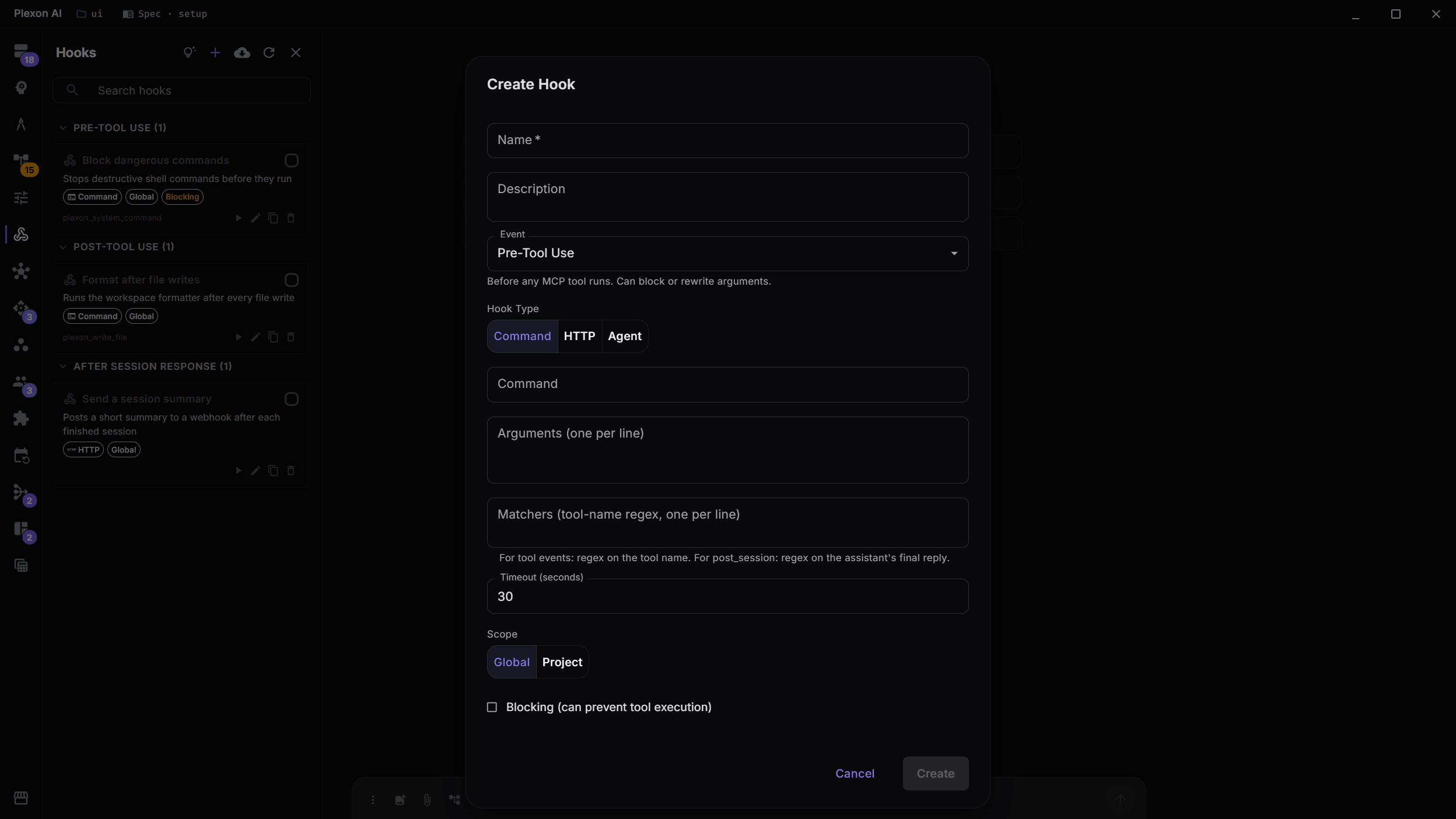
Draft, never send
The flow ends at a draft. Sending stays a decision someone makes, and the engine sends at most once even if a run is retried.
Try this
Change that flow so it stops at a draft. Nothing goes out to a customer until a person presses send.
A bundled workflow opened in the editor, one step at a time: the trigger that polls the inbox, the tool step that reads the email, the AI step and the fields it returns, the branch, the message it sends, and the notification at the end. What happens in this clip
- A bundled workflow opens in the editor.
- The trigger at the top polls the inbox.
- A tool step reads the email, spending no AI tokens.
- An AI step pulls out named fields, and a branch decides what happens next.
- A message step sends the reply, and a notification step tells you it went.
Watch whether it is working
First-response time by tag, on a board that refreshes on its own.
Try this
Build me a board showing first-response time by tag for the last 30 days, refreshed every hour, with a stat tile for the median.
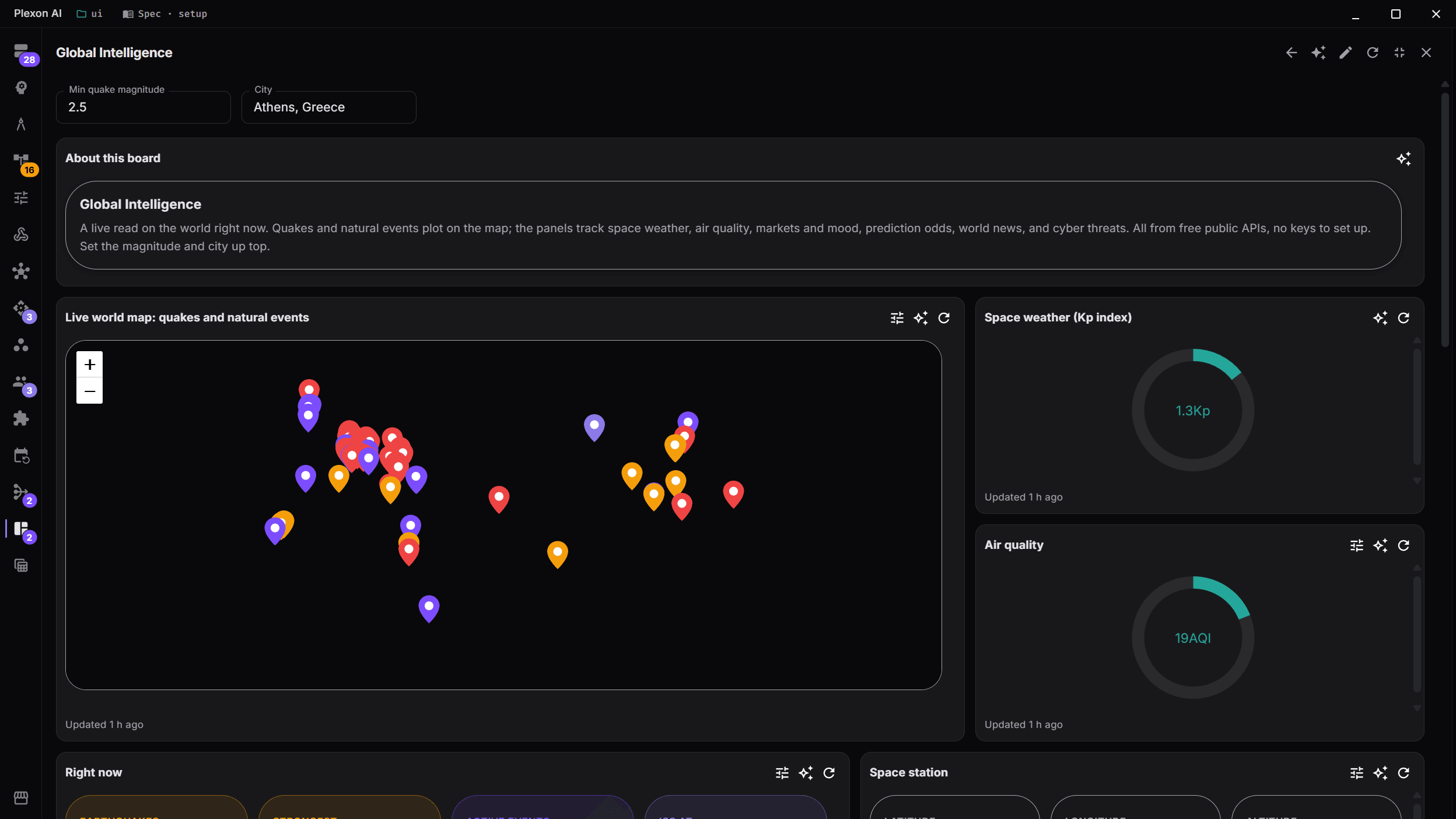
Handle the rest from Slack
DM the bot or mention it in a channel. It works from the Slack app, including on a watch.
What you end up with
Drafted replies waiting for a yes, and a board showing first-response time by tag.
Download Plexon