Content creator
Write something long without losing the sources
“The research is in twelve places and the draft is in a thirteenth.”
Read the sources where they are, let the graph keep track of what came from where, and write with every claim traceable.
Read the sources as they are
Word, Excel, CSV, PowerPoint, PDF, EPUB, HTML or an Outlook .msg. It becomes Markdown you can ask about, with nothing to convert first.
Try this
Read every file in <C:\path\to\your\sources> and give me a one-line summary of each. Group the ones that disagree with each other and say what they disagree about.
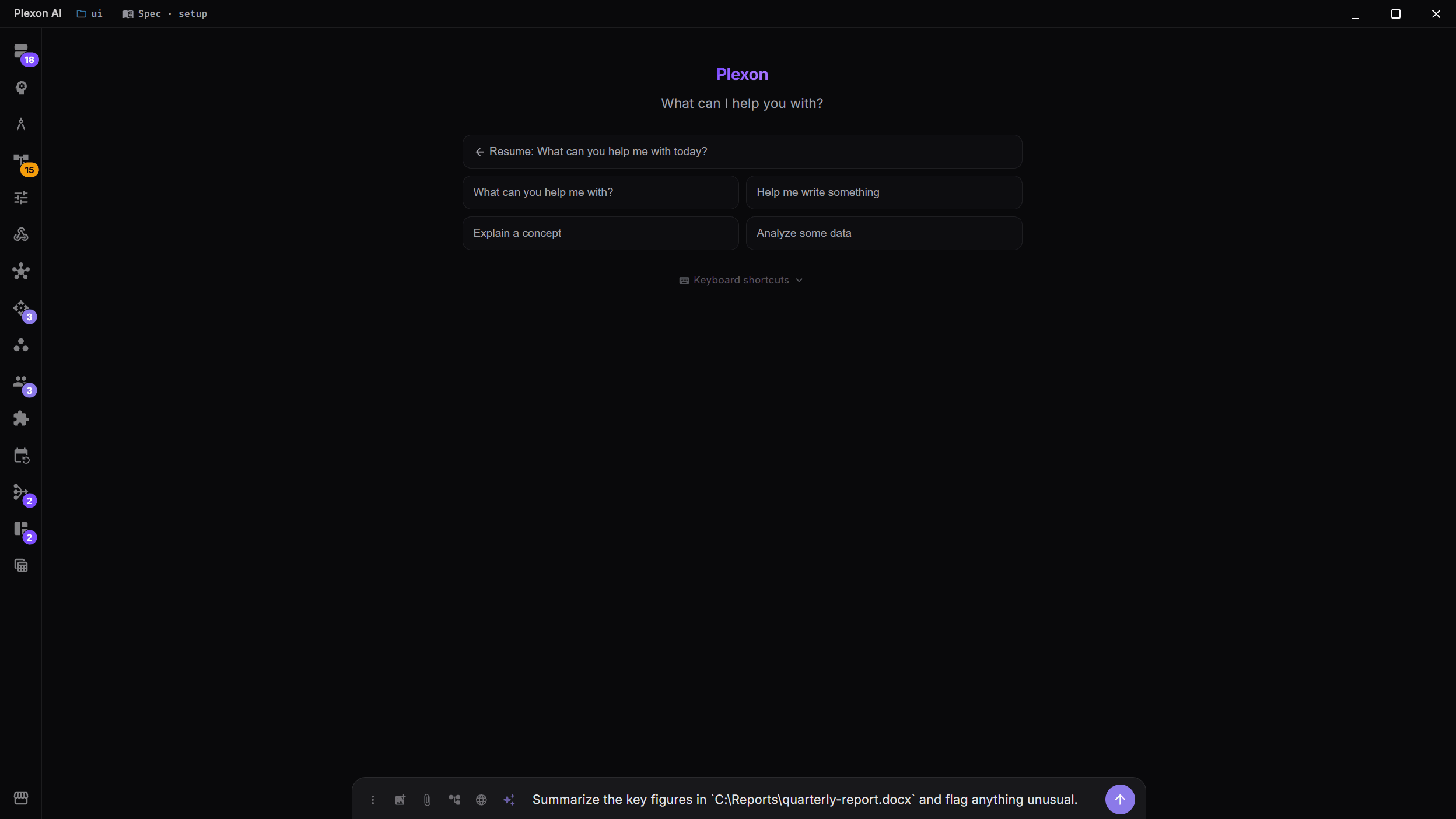
Keep track of what came from where
Facts answer with their source note and line, and whether they were stated or inferred. A contradiction stays on screen rather than being quietly settled.
Try this
Where did the claim about <the thing you are checking> come from? Show me the note and the line, and whether it was stated outright or inferred.
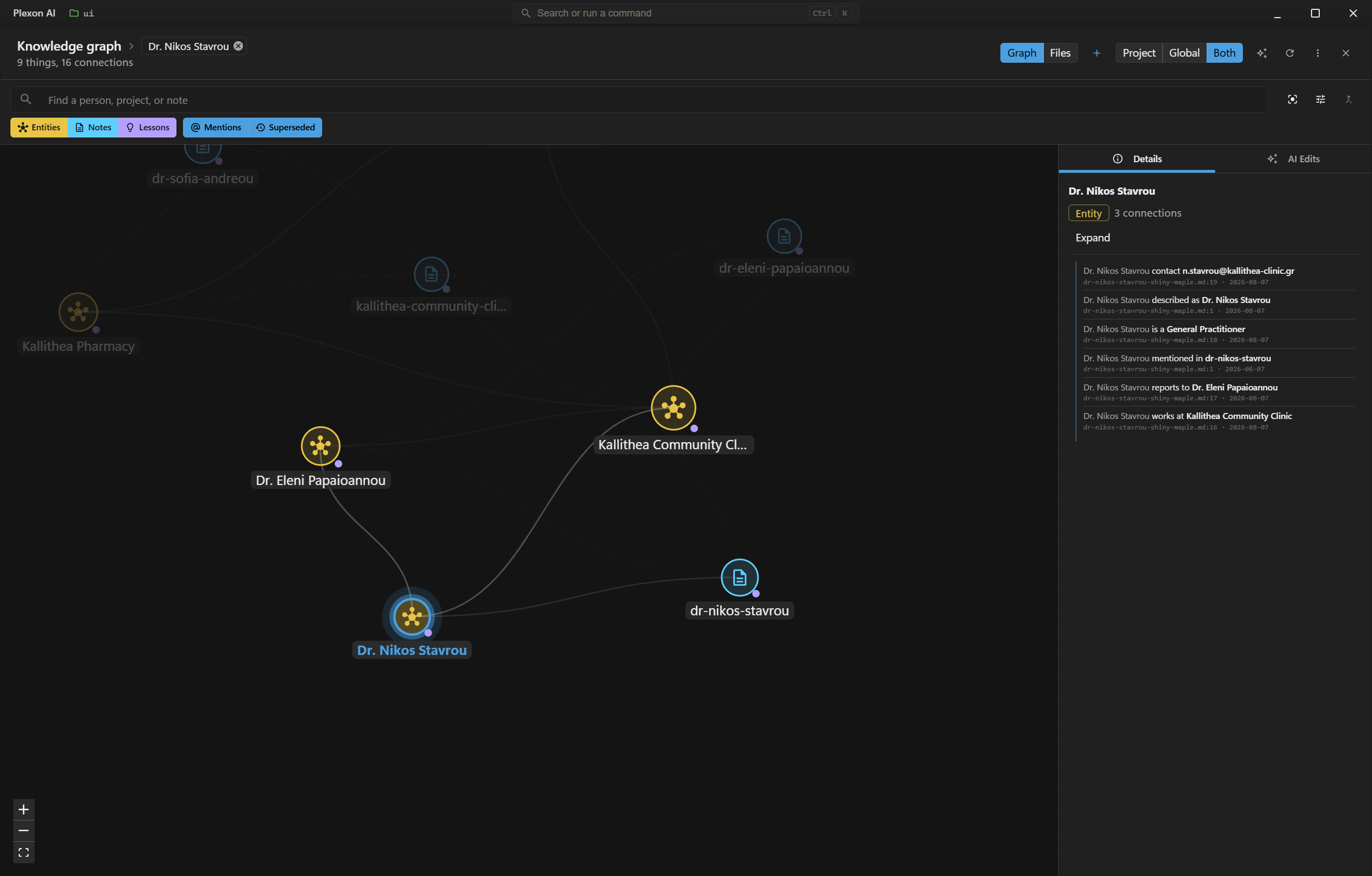
Pin the bits you will need again
Pin from either side of the conversation. The Pinned view searches every project on the machine and drops you back on the exact message.
Write into the real document
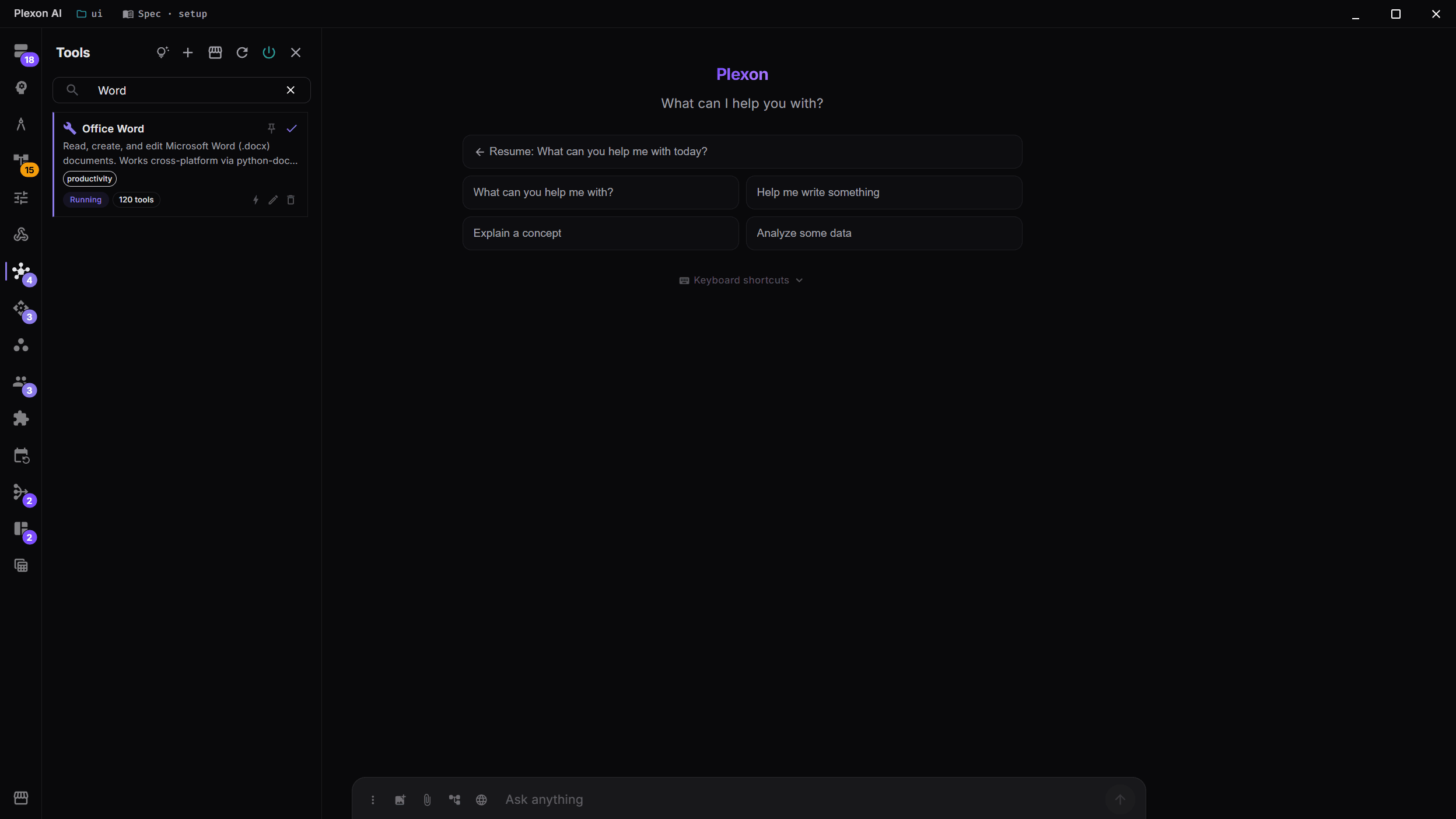
Read, create and edit .docx and .xlsx from the conversation, with tracked changes appearing live while Word is open.
Try this
Write the draft into <C:\path\to\draft.docx>. Keep my headings exactly as they are and do not touch the references section.
Make it check itself
It verifies facts before using them, writes a spec before multi-step work, and files a pass or fail verdict when it is done.
Try this
Check the draft before I read it. Verify every number against the sources and tell me which claims you could not back up, rather than softening them.
Publish it
Straight into your CMS, with your own account.
Search the marketplace for an app you already use, see what the connector will be able to do before you install anything, then link it to your own account. What happens in this clip
- Open the marketplace with Ctrl+K.
- Search for an app you already use.
- The card says what the connector will be able to do before you install anything.
- Install it and the setup starts.
- Link it to your own account, in this case by scanning a code once. Then just ask.
What you end up with
A finished piece, and a trail back to the note and line behind every fact in it.
Download Plexon