Clinic
Walk into the appointment with the file already read
“The report gets read during the appointment instead of before it.”
A role that loads the client’s file ahead of time, walks the results in order, cites the section behind every number, and drafts the follow-up for a human to send.
Install the role your organisation built
A company bundle arrives through the app, already configured. There is nothing to paste and no repository to clone.
The Marketplace panel with its built-in help: one grid across every source, narrowed by kind, source, and category. What happens in this clip
- The Marketplace panel opens with its built-in help card.
- One grid covers every registered source.
- Narrow it by kind, by source, or by category.
- Cards say where each item came from, and whether it is already installed.
It brings its own knowledge
The persona carries the reference material the role needs, so answers come from your organisation’s documents rather than from a general model’s guess.
Install the Stock Trader persona from the marketplace, switch to it, and open the live Trader Cockpit board it brings along. What happens in this clip
- Find the Stock Trader persona in the marketplace and install it.
- Switch to it from the persona picker.
- The welcome screen and the starter prompts change with it.
- It brings its own dashboard, the Trader Cockpit, already live.
- Switching back leaves the persona installed for next time.
Load the file however it arrives
A PDF, a spreadsheet or an export. It becomes Markdown the assistant can be asked about.
Try this
Read <C:\path\to\the\report.pdf> and summarise it in the order I will walk through it, citing the section behind every number.
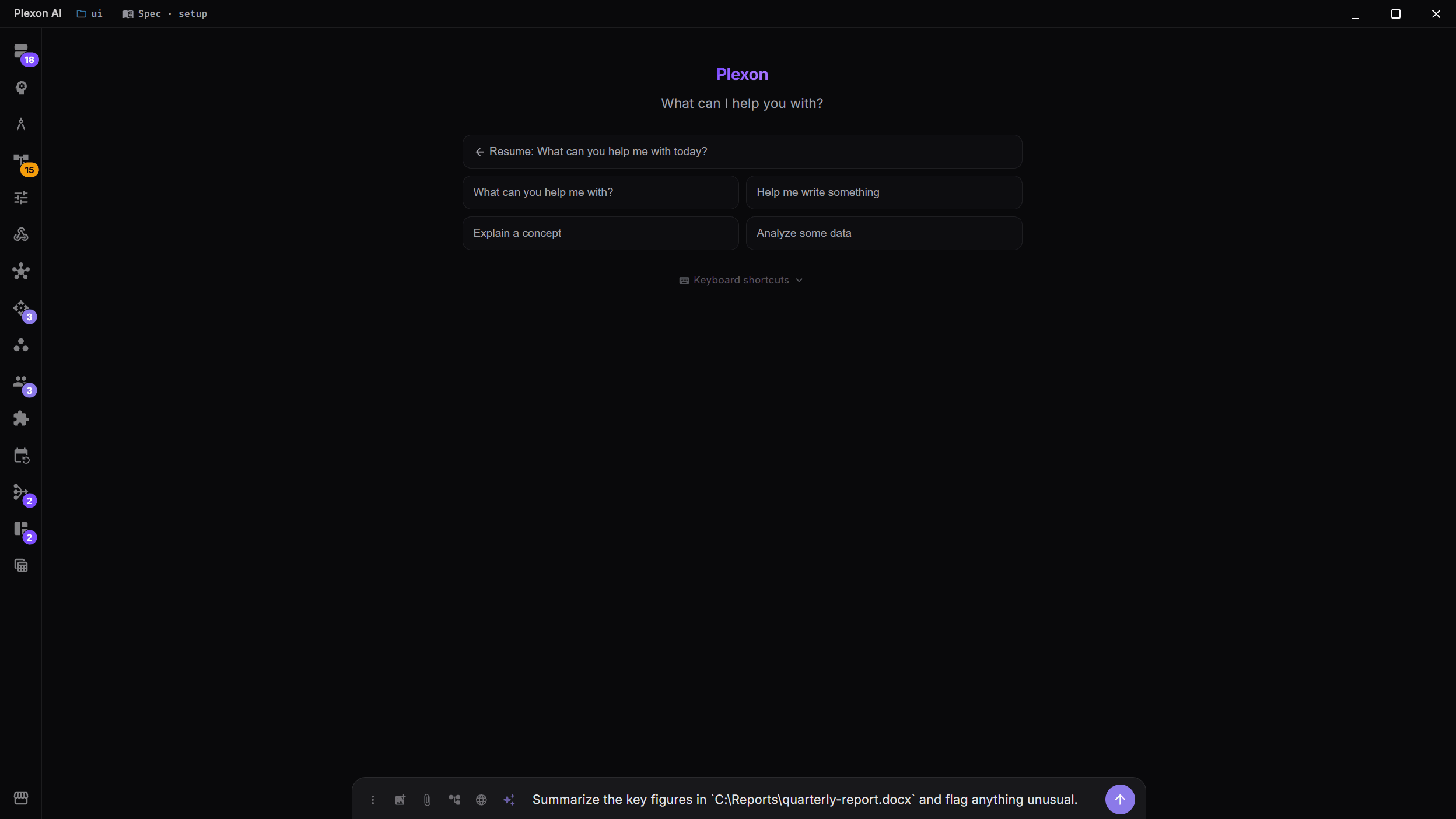
Read results, not paragraphs
Structured answers render as tables and stat rows, which is what you want on screen with someone sitting across from you.
Prepare the brief before you arrive
A scheduled job pulls tomorrow’s appointments and writes a one-page brief for each.
Try this
Every weekday at 07:00, pull tomorrow appointments and write a one-page brief for each one. Notify me only if a file is missing.
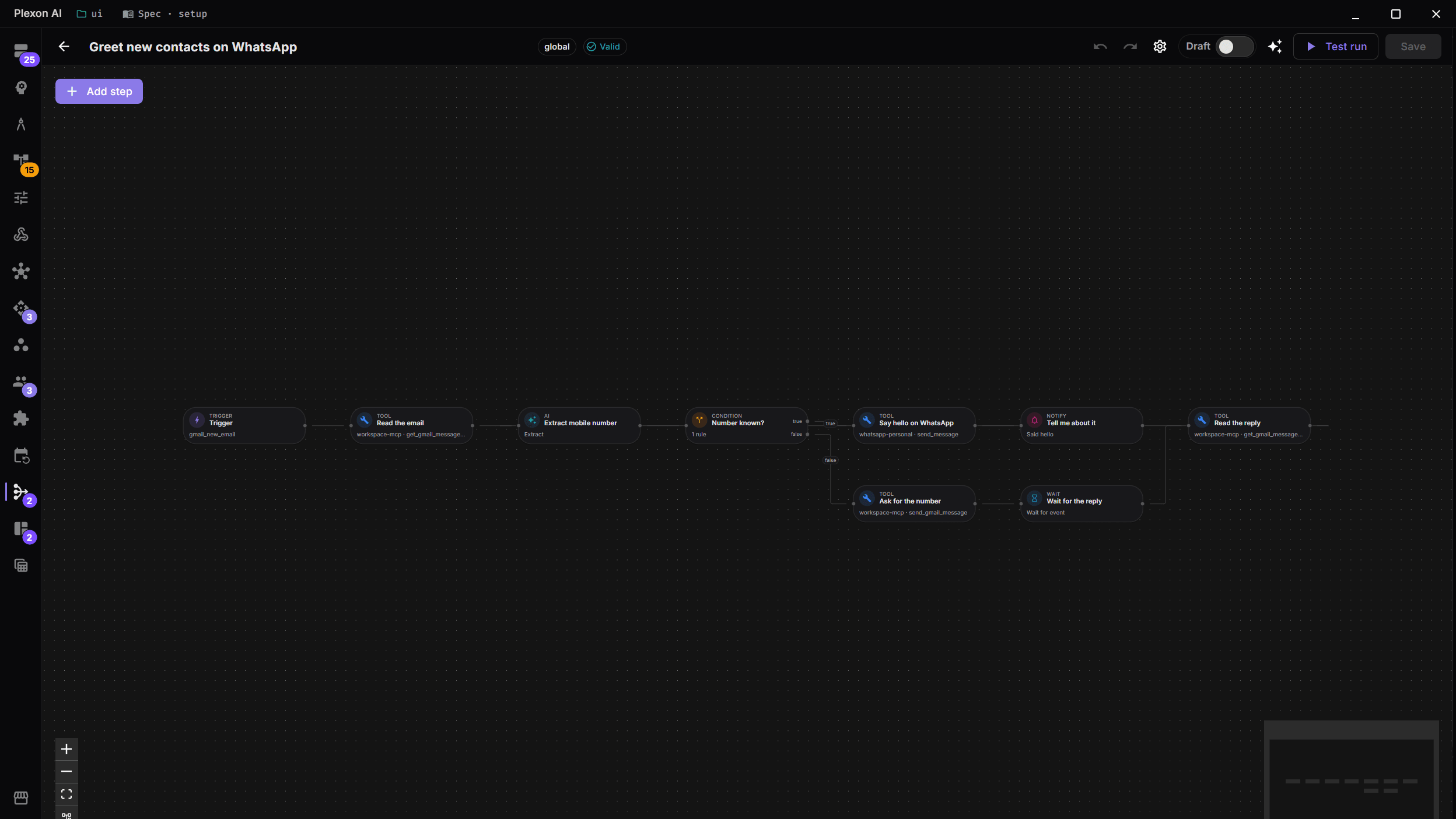
Hand over something printable
The summary becomes a real .docx you can edit before anyone sees it.
Try this
Turn that summary into a .docx I can edit before anyone sees it. Keep the numbers in a table rather than in prose.
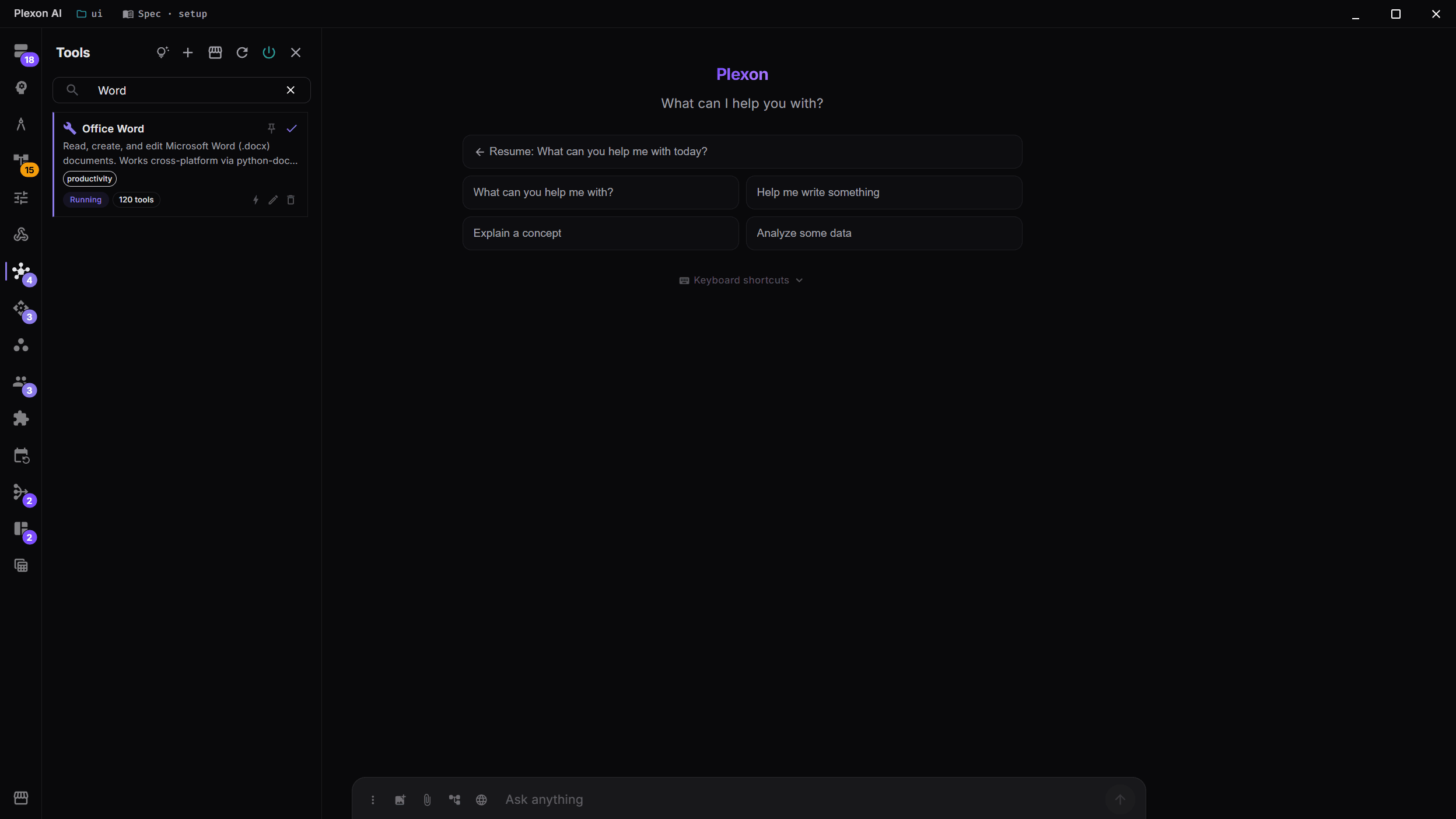
What you end up with
The conversation opens with the file already summarised, and nothing reaches the client that a person did not send.
Download Plexon