NEW: Background Jobs
ScheduleCron for Sub-Agents
Run any sub-agent on a cron expression or simple interval, every N months, days, hours, minutes, or seconds. Failed jobs auto-disable after 3 consecutive failures, live OS desktop notifications fire when work completes, and every job dispatches to the same agents that answer chat. "Weekly metrics report Monday 9 AM" becomes a single click.
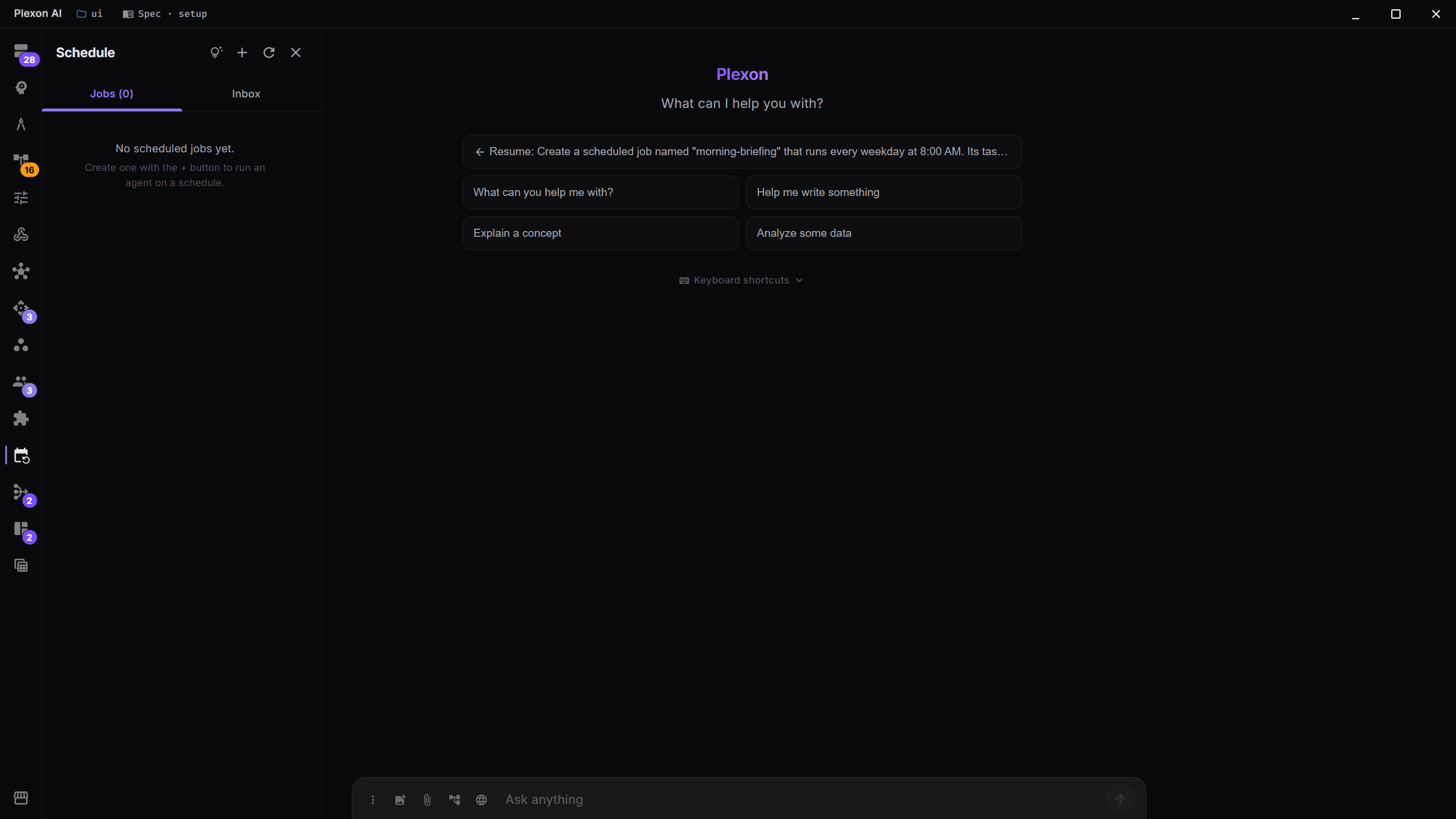
Any Agent, on Any Schedule
Pick any sub-agent (bundled, custom, or installed from the marketplace) and put it on a schedule. Use a full cron expression for precise timing ("Mondays at 09:00 Athens time") or a simple interval ("every 6 hours"). The same agent that answers your chat now answers a recurring job, with the same tools, skills, and quality bar.
- Cron expression support for precise calendar timing
- Simple intervals: every N months, days, hours, minutes, or seconds
- Reuses your existing sub-agents: no new authoring required
- Per-job working directory, mode (Code/Plan/Ask/Auto), and prompt
- Pause, resume, edit, or delete any job from the Schedule sidebar
Failed Jobs Auto-Disable
Reliability matters when something is supposed to run unattended. After 3 consecutive failures, a job is automatically disabled and surfaces a clear error so you can fix the root cause without a runaway loop hammering your providers. Re-enable with a single click once the underlying issue is resolved.
- 3 consecutive failures auto-disable a job
- Failure surfaces in the Schedule sidebar with the error message
- No runaway loops, no surprise bills, no silent breakage
- One-click re-enable once the underlying issue is fixed
- Per-job execution log shows every run, success or failure
Live OS Desktop Notifications
When a scheduled job completes, you get a native desktop notification (Windows, macOS, or Linux) with the job name and a one-line result summary. Click through to open the Inbox tab and read the full output. No web push, no email, no second device. Just the OS notification you already trust.
- Native OS notifications on Windows, macOS, and Linux
- Job name + one-line summary in the notification body
- Click to jump to the Inbox tab with the full result
- Configurable per-job: notify on success, on failure, or both
Inbox: Every Result, in One Place
The Schedule panel ships with an Inbox tab that aggregates the output of every scheduled run. Each result is a session you can open, continue, share, or replay, exactly like a chat session you started yourself. Filter by job, by date, by status; bulk-archive what you've reviewed. Your weekly metrics report, your nightly PR summary, and your hourly ops digest all land in one queue.
- Aggregated inbox of every scheduled-job result
- Each result is a full session: open, continue, share, or replay
- Filter by job, date, or status (success/failure)
- Bulk archive once reviewed: keep the inbox tidy
- Persists across restarts; survives auto-update
Authored from Chat or the Sidebar
Don't want to leave the chat? Just ask: "schedule the metrics-reporter agent to run every Monday at 9 AM Athens time." Plexon's built-in cron-authoring tool validates the expression, picks the agent, drafts the prompt, and registers the job, with a one-click preview before anything is saved. Or open the Schedule sidebar and fill in the form by hand. Both paths talk to the same scheduler.
- plexon_schedule MCP tool: author jobs from any chat
- AI validates cron expressions and previews the next run time
- Sidebar form for hand-authoring with the same validation
- Edit any job from either path: they share state
- Available in every mode (Code, Plan, Ask, Auto)
Under the Hood
Full Cron + Intervals
Standard 5-field cron expressions for calendar precision, plus a simple interval picker for every N months/days/hours/minutes/seconds. Time zones honour your system locale.
Same Sub-Agent Pool
Schedule reuses the same sub-agent registry that powers Orchestrator and chat. Build an agent once; trigger it from chat, an @mention, an orchestrator subtask, or a recurring schedule.
Auto-Disable on Failure
Three consecutive failures disable a job automatically. The error surfaces in the sidebar; you fix the root cause and re-enable with one click. No runaway loops.
Native OS Notifications
Live desktop notifications on Windows, macOS, and Linux when a job completes. Click through to the Inbox to read the full result.
Unified Inbox
Every scheduled-job result lands in a dedicated Inbox tab: full sessions you can open, continue, share, or replay. Filter, search, and bulk-archive.
Authored from Chat
A built-in cron-authoring MCP tool lets you say "schedule the metrics-reporter every Monday at 9 AM" and Plexon validates, previews, and registers, with a one-click confirmation.
Pairs With Self-Improving Skills
The same scheduler infrastructure powers Plexon's new self-improving skills system: a curator agent that runs automatically after sessions to grow your skill library. Schedule turns any agent into a recurring job; self-improving skills make sure the AI driving those jobs keeps getting smarter.
Explore Self-Improving Skills